 YunLab.ai
 CHAPTER 01 · 1.14
Reply Actions, File Preview, and Continuing Revisions
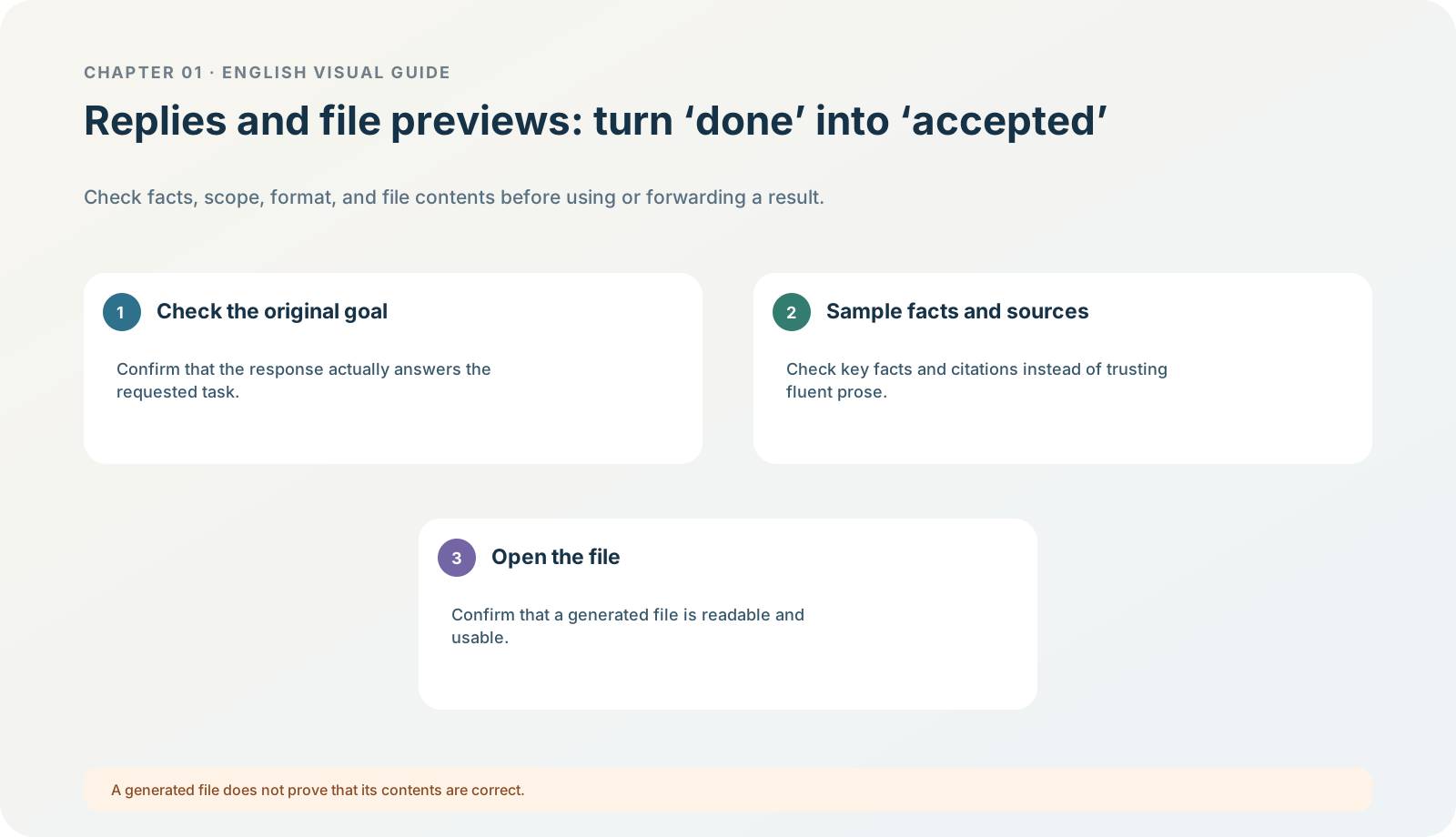
Figure 1-14 · DIA-01-14-01. Replies, files, and acceptance (teaching diagram, not a live-product screenshot).
This section answers: Why is a task not “complete” merely because AI has produced a paragraph or a file?
Three things are not the same thing
| What you see | What it proves | What it still cannot prove |
|---|---|---|
| A reply | The model produced text. | The text is accurate, complete, and usable for real work. |
| An attachment / file link | There is an artifact that can be downloaded or previewed. | The file opens, its content is correct, and its format is deliverable. |
| Actions such as like, copy, or continue asking | You can continue interacting with the result. | The task met the original acceptance criteria. |
Different modes show different reply action bars, preview abilities, and save methods, so do not write this section as “everyone must have a certain button.” The current official desktop demonstration can show a Browser preview and Review changes in the same task. The reliable method is still: read the result, then open the artifact, then compare it with the task card.

Figure 1-14A · The current OpenAI desktop demonstration shows a task result, Browser panel, and artifact review in the same workspace (verified 2026-07-30; source page). The file changes in the demonstration are not a recommendation to allow writing in the first exercise; this chapter’s exercise still requires no output files.
Follow along: the four-layer acceptance method
- Scope acceptance: did it use only permitted material? Did it suggest or claim web access, other-folder access, or file modification?
- Factual acceptance: can every “confirmed fact” be traced back to
brief.mdormeeting_notes.md? - Structural acceptance: is it divided into exactly confirmed facts, judgments, and open questions? Are judgments clearly labelled?
- Artifact acceptance: if a file was produced, does it really open, have an understandable name, and contain no unnecessary sensitive content? This exercise requires no output files, so a file appearing should instead prompt “why did it go beyond the task card?”
How to make one high-quality revision request
Do not say only “make it better.” Name the acceptance failure and bound the change:
Please change only the “confirmed facts” section: remove any sentence that cannot be supported by the two input files;
keep the three-part structure and the two boundaries of no web access and no output file unchanged.
Expected result: the new reply repairs one defined defect, rather than turning the original task back into an uncontrolled generic conversation.
Minimum exercise and acceptance
Inspect one “judgment” in the reference answer and explain why it cannot go under “confirmed facts.”
Reference answer: a judgment is an explanation or recommendation made from facts; it cannot masquerade as something already decided in the input files. Common pitfall: forwarding a generated file immediately, or treating “copy reply” as acceptance. Next: a long task requires judging its state, intervening, and stopping while it runs.