 YunLab.ai
 CHAPTER 01 · 1.15
Task State, Notifications, and Mid-task Intervention
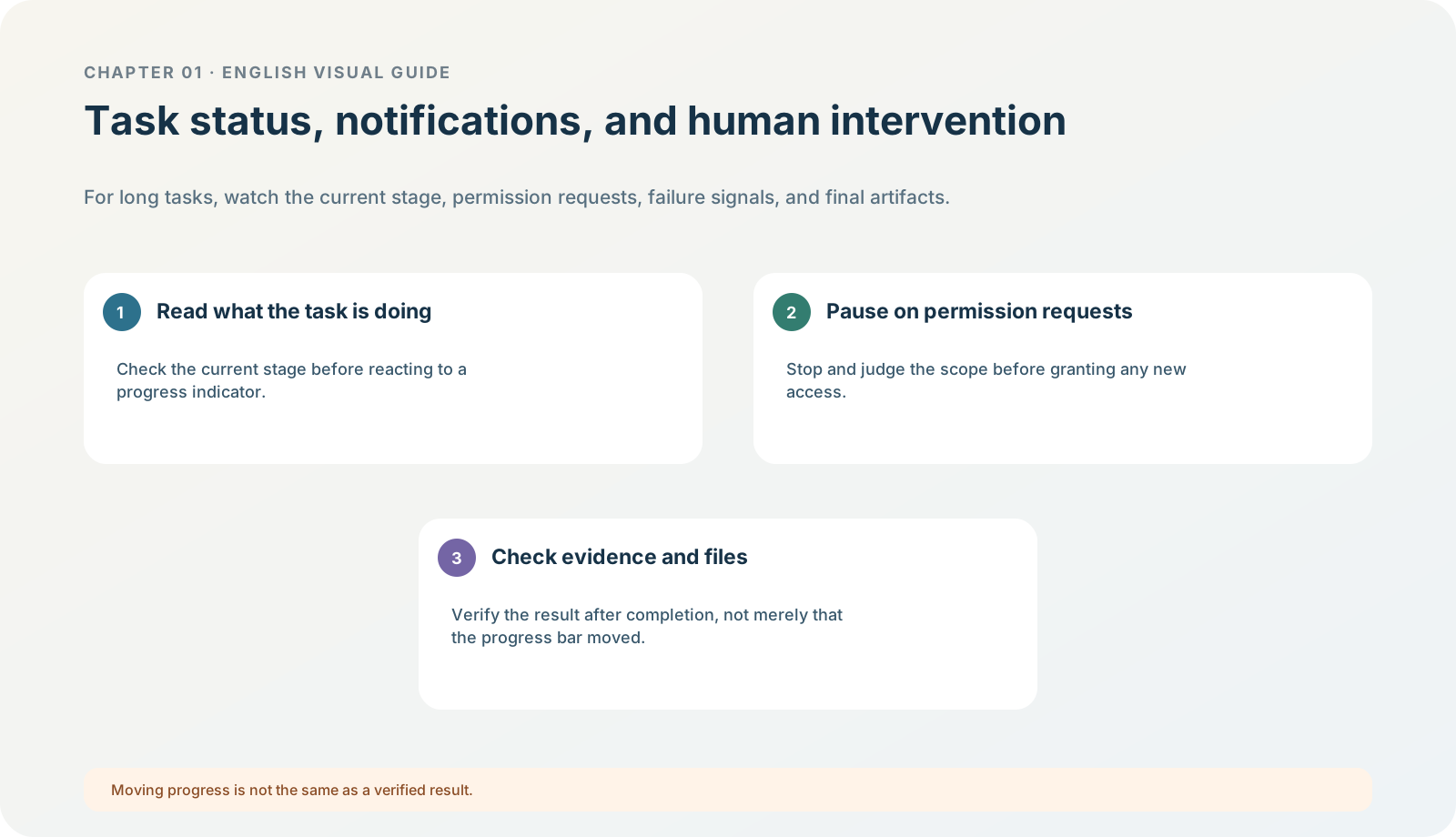
Figure 1-15 · DIA-01-15-01. Task state, human intervention, and acceptance (teaching diagram, not a live-product screenshot).
This section answers: When progress is moving, a notification appears, or the model asks a question, should I keep waiting or intervene immediately?
Judge from state, not emotion
The interface may use different wording, but this handbook groups a long task’s state into four categories:
| State | What it usually means | Your correct action |
|---|---|---|
| Running | It is processing the authorized scope. | Wait, while checking at key points whether it has crossed a boundary. |
| Waiting for input / approval | The task lacks information or requests a new action. | First read clearly what it will read, write, or send; then decide. |
| Blocked / failed | A problem has appeared with the task, permissions, network, version, or usage. | Preserve the exact message and start with non-destructive troubleshooting. |
| Finished | One phase has stopped. | Move into acceptance; do not treat “finished” as “correct.” |
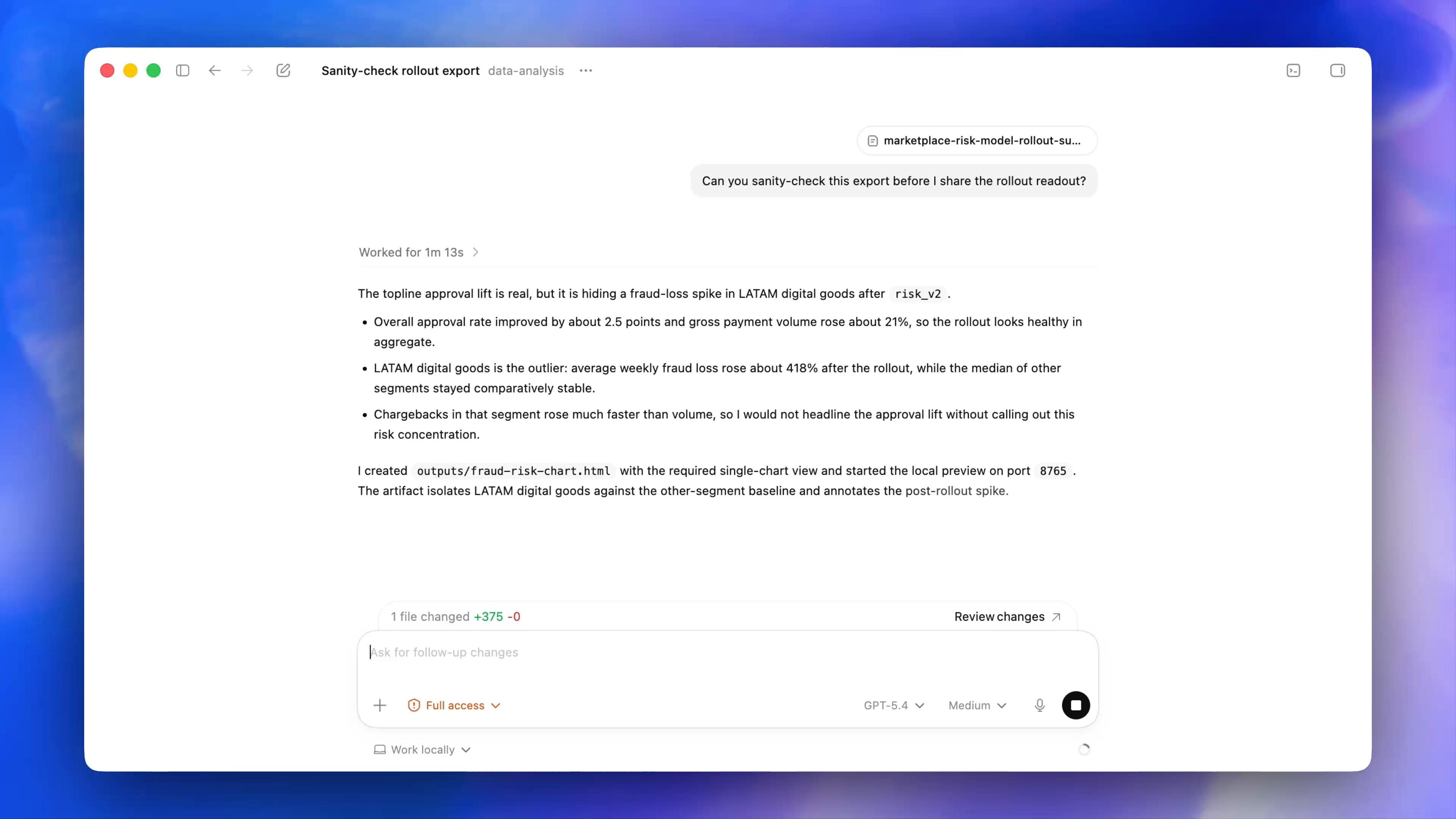
Figure 1-15A · CUR-01-12-01. The current official desktop demonstration shows Worked for …, a change count, and a Review changes prompt (verified 2026-07-30; source page). It shows that state, changes, and review are different information; “1 file changed” in the demonstration is not a reason to accept writing in this chapter’s exercise.
A notification is a reminder, not automatic authorization
A notification can tell you that a task finished, needs attention, or encountered an error, but it cannot decide for you whether a file change, external access, or sending is appropriate. If you do not want to be interrupted often, adjust notification preferences only after understanding them; do not silence every permission- or error-related notice merely to make things “quiet.”
Follow along: three questions when a problem appears mid-task
When a task asks for more material, more permissions, or another action, pause and ask:
- Is this new action explicitly authorized by the original task card?
- If I do not do it, can the task continue with a narrower scope?
- Will this action have external, paid, irreversible, or privacy effects?
If the North Shore exercise asks whether it may search the web for a video platform, the correct answer is “do not continue,” because the task card explicitly says no web access and choosing a platform is not this task’s goal.
Evidence after an interruption
Do not rely on memory. Preserve the task title, time of occurrence, complete prompt, selected mode / model at the time (if visible), authorized scope, and whether an output file exists. Do not preserve credentials, a full private screen, or screenshots that could reveal an account.
Minimum exercise and acceptance
Classify “the model suggests searching the web for a video platform” as a state, and write the action to take.
Reference answer: waiting for input / a new-action request; stop and refuse it or narrow the scope, because it goes beyond the no-web task card. Common pitfall: treating “the task is still running” as “the result must be reliable,” or treating a pop-up as a reason to approve. Next: global settings can affect later experience, but cannot replace the boundary of each task.