 YunLab.ai
 Learning series · released hourly
Chapter 01: From Installation to Your First Task — Getting to Know ChatGPT and Codex Desktop
A 24-part safety-first learning series for beginners: confirm the product, identity, interface, and permission boundaries before completing a verifiable read-only task.
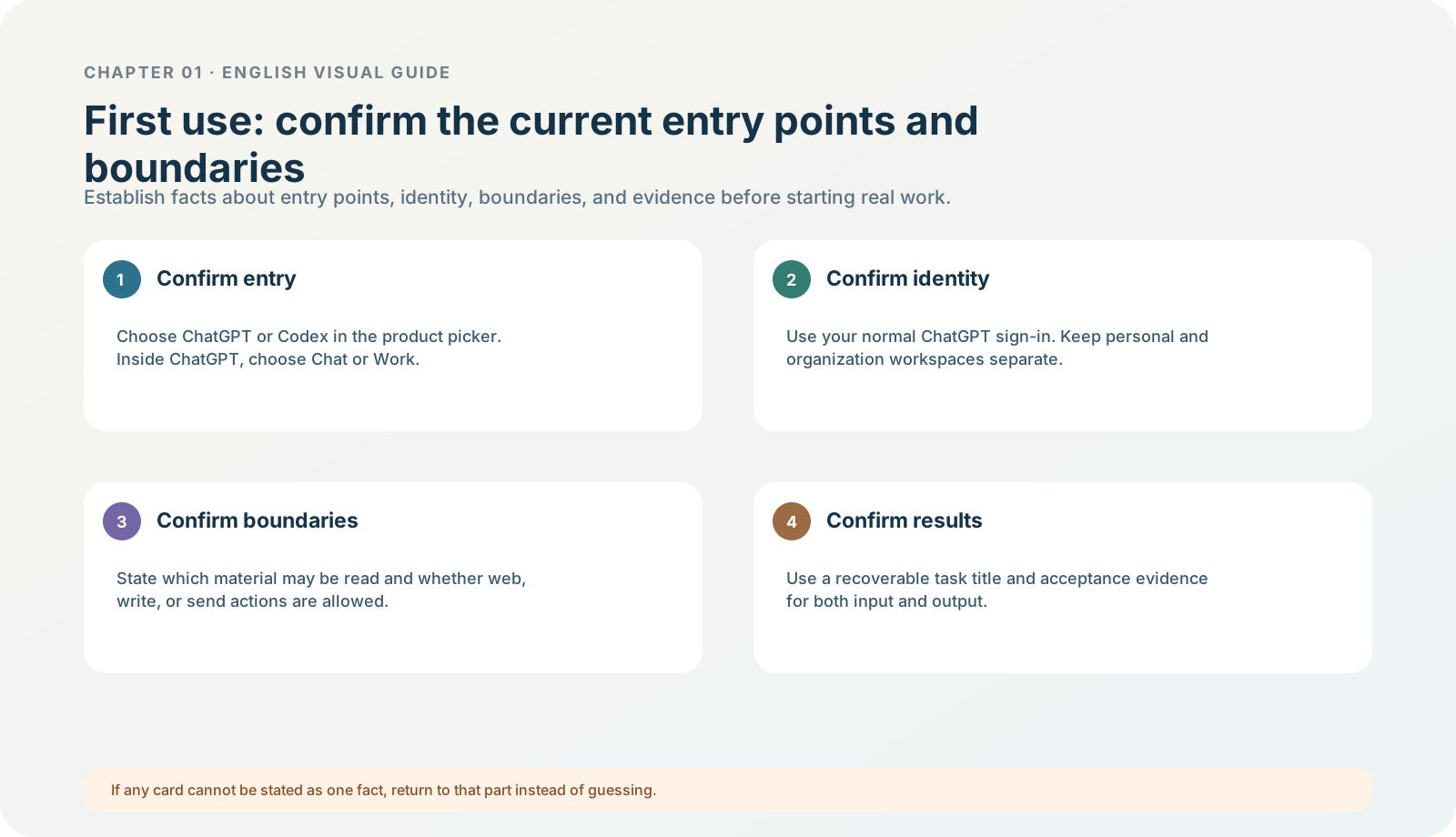
Figure 1-0 · DIA-01-V2-01. Revised beginner learning loop (teaching diagram, not a live-product screenshot). It explains the learning order: choose the product first, then choose a way of working. It cannot prove which buttons or models your own account will show.
Read first: how to use this chapter
This chapter is neither a manual for clicking every button nor a guide to letting AI touch real material immediately. It builds a transferable judgment skill: when you face a new version, account, or menu, you know what to confirm first, what can safely be done, and when you must stop.
After completing the chapter, you should be able to do four things independently:
- State which product, version, account, and workspace you have opened.
- Choose Chat, Work, or Codex by the task outcome rather than guessing which name is “more advanced.”
- Separate the roles of models, reasoning effort, plans, APIs, and permissions.
- Complete one read-only task with fictional material and show reviewable input, output, and acceptance records.
The four labels used in this book
| Label | Meaning | How to use it |
|---|---|---|
| Current official information | Product facts OpenAI publicly documented on the verification date. | Open the linked source to check it; models, limits, menus, and eligibility can change. |
| Teaching judgment | A selection method or safety rule designed for beginners. | Understand the logic; do not mistake it for a product promise. |
| Running case | A fictional “North Shore Reading Club” material-organizing exercise. | It is safe to follow; do not replace it with real client or business material. |
| Minimum exercise / acceptance | An actionable check to complete before the end of a part. | Judge yourself against the acceptance criterion, not merely by whether AI answered. |
Running case: North Shore Reading Club
This chapter uses fictional material throughout: background notes and preparation notes for a 45-minute online reading club. It contains confirmed facts, suggestions, and open questions, making it suitable for practising “do not write a guess as a fact.” The exercise pack is available at the Chapter 01 safe read-only exercise pack.
Safety boundary: before the end of this chapter, do not use real client material, upload keys or verification codes, connect external apps, let AI send information, or modify real files. You are not testing “whether AI can work”; you are training “whether I know what it is doing.”
Three learning paths: do not be discouraged by 24 parts
These 24 parts do not ask you to open every entry point on day one. Follow one path that matches your goal; use the rest as review and reference during the following week.
| Your current goal | Read these parts first | What counts as passing today |
|---|---|---|
| Must complete on day one: open the product safely and complete the first exercise. | 1.1–1.4, 1.6–1.7, 1.12, 1.21–1.22. | Know the product/account/mode; write a read-only task card; complete or fully walk through one acceptance check with fictional material. |
| First-week setup and management: make work retrievable, comparable, and reviewable. | Add 1.5, 1.8–1.11, 1.13–1.17, 1.20, and 1.23–1.24 to the day-one path. | Have a searchable title, a model/reasoning-tier selection rule, an exercise acceptance record, and a troubleshooting card. |
| Learn boundaries first; enable high-permission capabilities later: | Read 1.18–1.21 first, then return to the day-one path. | Explain why the browser, Chrome, Computer Use, plugins, automation, and a local folder are not one and the same authorization. |
If you complete only the day-one path, you already have enough to enter the next controlled exercise. Do not open plugins, a browser, a real local folder, or automation merely to “finish reading.”
Released parts
Read in sequence
- 1.1 What This Chapter Is Meant to Solve Why opening the app does not yet make a real task safe to hand over.
- 1.2 Product and version: what exactly have you opened? Identify the product, entry point, and version before treating a difference as a fault.
- 1.3 Download, installation, updates, and first launch Confirm suitability, installation, and first launch in the right order.