 YunLab.ai
 CHAPTER 01 · 1.8
New chats, Quick Chat, projects, and local folders
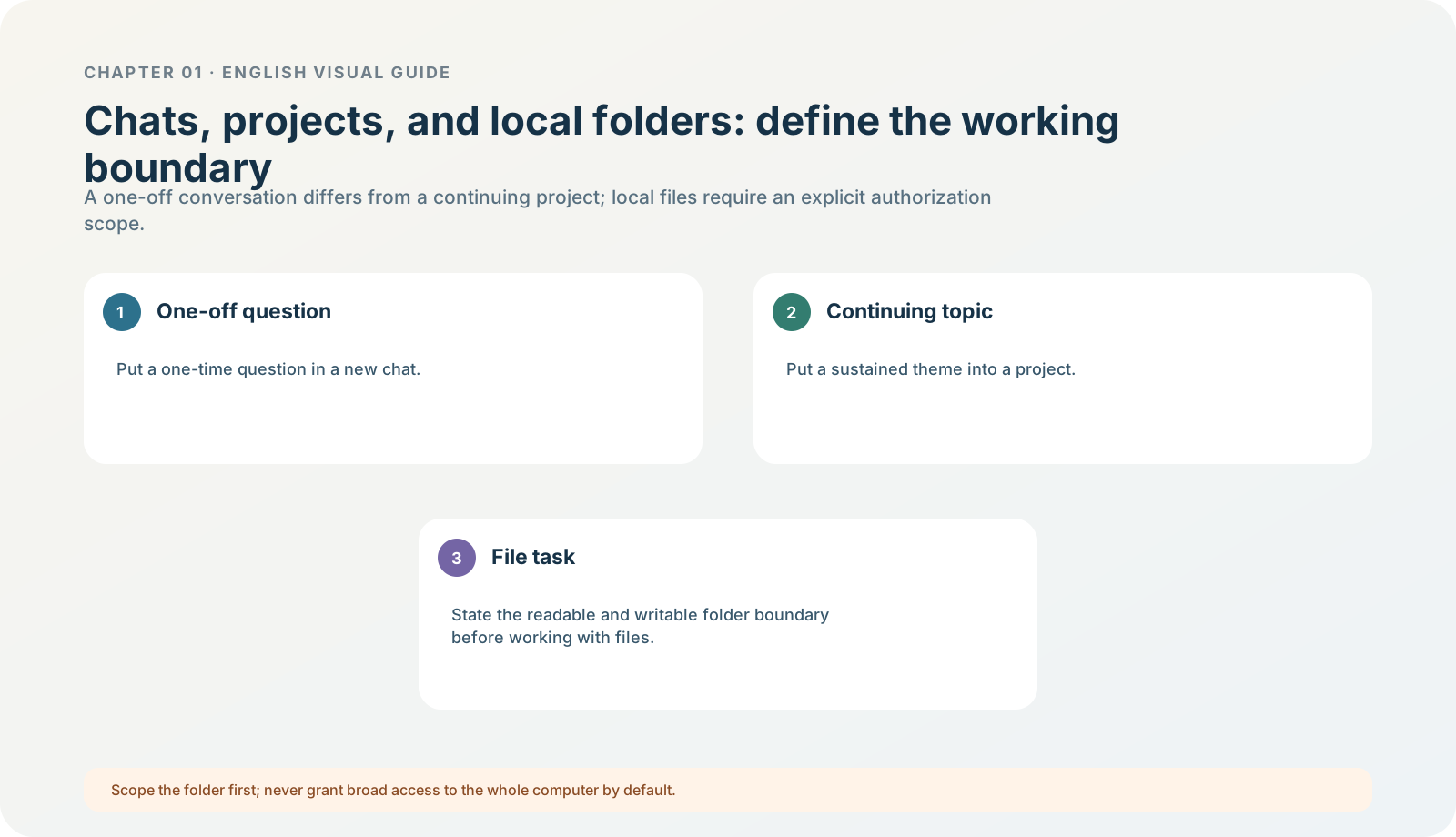
Figure 1-8 · DIA-01-08-01. Boundaries between chats, projects, and folders (teaching diagram, not a live-product screenshot).
This section answers: Why can “start a new chat” not replace “create a project”, and certainly not “limit a local folder”?
What each of the four containers holds
| Container | What it is best for | What it is not |
|---|---|---|
| New chat | One question, quick experiment, or short discussion. | It does not automatically grant access to a project, folder, or history. |
| Quick chat (in Codex) | A one-off quick question that needs a normal ChatGPT conversation. | It opens a normal ChatGPT chat and will not appear in the Codex sidebar. |
| ChatGPT project | Related chats, uploaded files, Sources, and stable project instructions. | It does not read folders on your computer directly. |
| Local project | One or more explicitly attached local folders / code repositories. | It is not “the whole computer” or chat history; every attached folder may be read or written. |
Current official information: the current desktop app’s Projects view places ChatGPT projects and local projects connected to folders on this computer together. A ChatGPT project saves chats, files, Sources, and instructions; only a local project provides access to an attached folder. Edit project → Add folder in the project menu attaches a folder; the primary folder is used for new chats, Git, and automatic discovery of AGENTS.md / skills / config.toml. Projects and chats
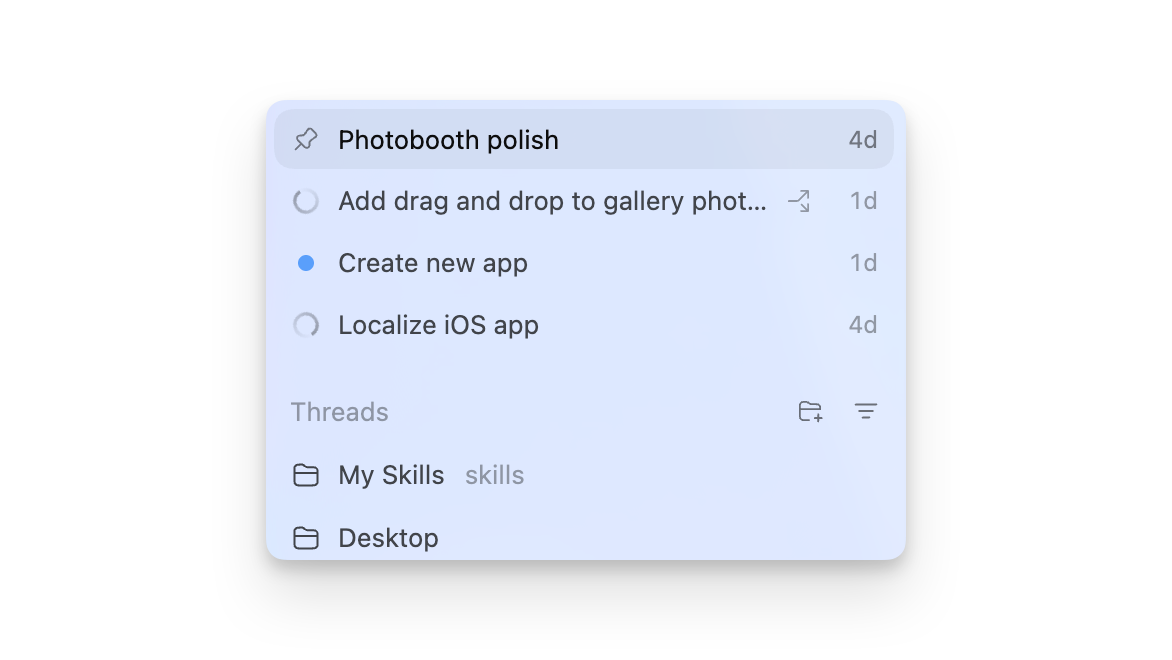
Figure 1-8A · CUR-01-08-01. A public desktop demonstration from OpenAI’s current project documentation (verified 2026-07-30; source page). It shows one current form of projects/threads in the sidebar; the folders, project names, and ordering in the screenshot are not your directory authorization or default layout.
Follow along: define the material boundary first
For North Shore Reading Club:
- Create a dedicated exercise task titled
Chapter 01 | Read-only Exercise | North Shore Reading Club. - Select only the folder containing the exercise pack.
- Do not select Documents, Desktop, Downloads, or any business project.
- Before starting the task, state: read-only, no web access, no create/modify/send.
- After completing it, confirm that the input files remain where they were and their contents are unchanged.
Teaching judgement: the larger the container, the greater the default risk
If you do not know whether material should be retained in a project long term, do not create the project yet; first complete one controlled exercise in a new chat. If you do not know what is in a directory, do not open it yet; first copy or use fictional exercise material. The size of a container should be determined by work scope, not by “convenience”.
Minimum exercise and acceptance
Complete the sentence: A chat solves ______; a project solves ______; a local folder limits ______.
Reference answer: one-off/continuous discussion; long-term related context; the read/write scope of real files in this task. Common pitfall: treating a real business root directory as an “exercise folder”. Next: after task entry points and containers are clear, learn model selection.