 YunLab.ai
 CHAPTER 04 · 4.1–4.7
Handbook version: v1.0 · Official material check: 2026-08-23 · The current interface and account availability depend on each reader’s own state.
This chapter uses a fully fictional, teaching-only W01 exercise to connect a bounded input, traceable facts, a brief draft, human acceptance, a frozen baseline, and a safe handoff. It does not connect to real services, send, publish, or turn a candidate draft into a business fact.
What this chapter solves: completing one controlled pass
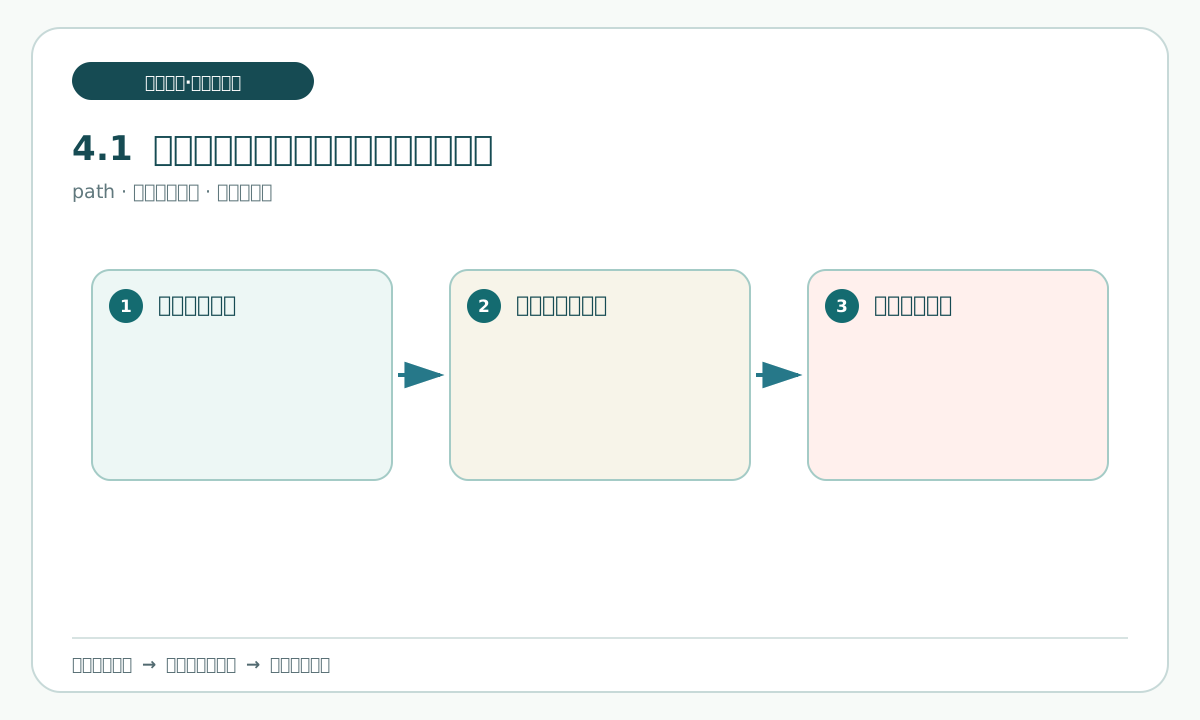
What this section answers
Completing one pass is not a matter of collecting several drafts. The input, fact traceability, brief, human decision, and frozen state must be checkable in one continuous path by the next reader.
Why
Define which traceable relationships count as complete before treating a brief that has not been accepted as a delivery.
Follow along
From README.md, draw the loop “read-only input -> materials -> facts and limits -> brief draft -> acceptance record -> freeze note”, and mark the handoff entry beside it.
What you should see
The six logical material types, the freeze location, and the three still-undecided questions should be locatable together; the assistant must not pass any gate on a person's behalf.
Minimum practice and acceptance
A human checks each gap in the loop. Record every gap as incomplete and return to the corresponding material; do not fill it with invented prose.
Common questions
When an existing draft is mistaken for a completed project, return to acceptance-record.md and check the human decision. A draft's existence is not acceptance.
Next section
Before moving on, confirm what W01 contains and keep its three unresolved questions visible; do not turn them into decisions.
Understanding the weekly brief exercise and W01
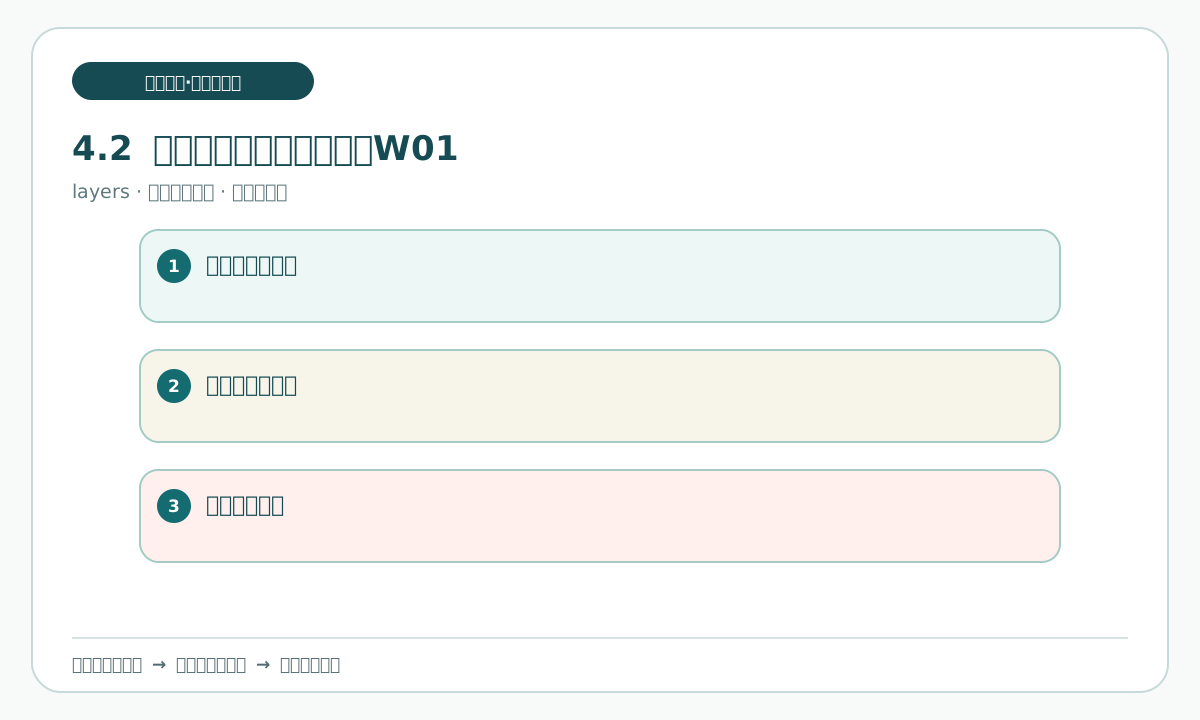
What this section answers
W01 is a fully fictional, low-risk, offline work-brief exercise, not a weekly report or product project for a real organization.
Why
Identify the exercise boundary first so that logical material labels are not mistaken for an organization, person, date, or business fact.
Follow along
Read README.md, then open goal-card.md, input-snapshot.md, material-extracts.md, fact-and-limit-traceability.md, brief-draft.md, acceptance-record.md, and handoff-note.md separately and record the purpose of each.
What you should see
The reader should be able to say whether each material is a practice record, constraint, or status record, rather than a fact source itself.
Minimum practice and acceptance
Open pending-decisions.md. Have a human restate the three questions and mark them unresolved; do not fill in an owner, order, or permission result.
Common questions
If a real department, client, account, or time is guessed, remove the guess and return to the logical material name and traceable location.
Next section
Without adding facts, state the goal, scope, and stop line for this pass.
Write the goal, scope, and stop line
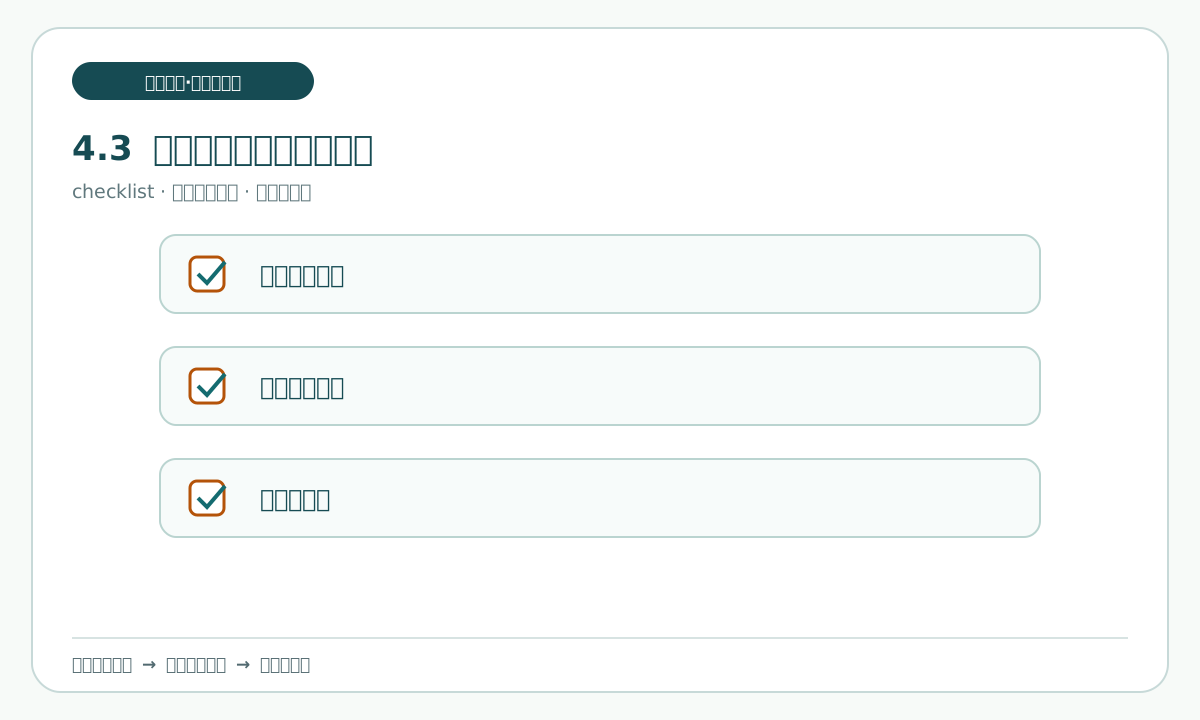
What this section answers
What single practice result should this pass produce, what may be read, and what conditions require a stop?
Why
Write the goal and stop line first. This prevents reading materials from quietly expanding into real research, logging in, or external delivery.
Follow along
In goal-card.md, mark the single result and record it alongside read-only-input.md and the actions that are not executable; edit only an explicit copy.
What you should see
You should see one card that separates the goal, scope, human gate, and stop triggers. Vague words such as “improve everything” must not occupy the goal field.
Minimum practice and acceptance
A human confirms that the goal has not become a business promise and that every stop condition produces a record, an audit trail, and a stop.
Common questions
If “make it as complete as possible” is used instead of a scope, replace it with checkable inputs, outputs, and termination conditions; do not enlarge the task.
Next section
Turn the scope into three distinct locations: read-only input, writable work records, and candidate delivery.
Create the working directory and read-only input area
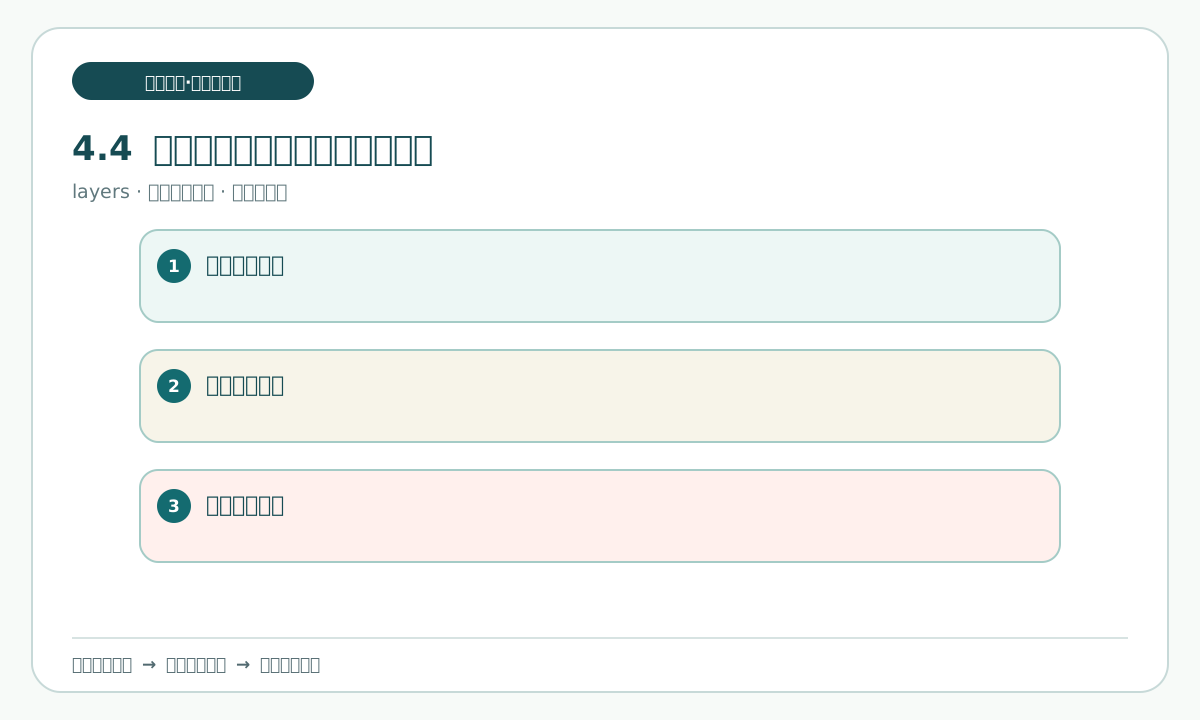
What this section answers
How can original logical inputs, process records, and candidate deliveries be kept from overwriting one another?
Why
Separate the areas so that an interruption or acceptance check can identify which version is read-only input and which is only a working copy.
Follow along
Open read-only-input.md and goal-card.md. Classify the W01 materials under “read-only input”, “writable work record”, and “candidate delivery” without moving the original files.
What you should see
The purpose, write permission, and return path for the three areas should be visible; every write must target an explicit copy.
Minimum practice and acceptance
A human checks that every intended write points to a copy and that the original input was not edited or overwritten as a draft.
Common questions
If a work record is about to overwrite read-only input, stop writing and return to the most recent checkable input copy.
Next section
Record the input snapshot actually read in this pass before processing the material.
Record the input snapshot for this pass
What this section answers
Which logical materials were read at the start of this pass, and what were their status and unknowns?
Why
Without an opening snapshot, it is impossible to know what supported a later draft or to locate what was affected.
Follow along
In input-snapshot.md, record the material names, readable status, review locations, and unresolved status of the three questions; compare each item with read-only-input.md.
What you should see
The snapshot should describe only what was visible at that time and what was missing; it must not include conclusions or guesses added later.
Minimum practice and acceptance
A human compares input-snapshot.md with read-only-input.md. Mark a location with no source as a gap; do not invent a supplement.
Common questions
If a later revision is backfilled as “original input”, separate the timeline and retain the original snapshot.
Next section
Use the snapshot to inventory which materials support wording and which can only state a limit.
Inventory materials and register source locations
What this section answers
For each material, state what it supports, what it cannot support, and where the reader can review it.
Why
The existence of a material does not mean it supports every sentence. Its location is the entry point for later human review.
Follow along
Register each item in material-extracts.md as a material name, review location, supported description, and content that cannot be inferred, then compare it with input-snapshot.md.
What you should see
You should see a material list in which “supported” and “not inferable” appear side by side; unknowns are not forced into a category.
Minimum practice and acceptance
A human selects one material at random and checks it from the registered location, confirming that a file name, title, or label was not treated as a business fact.
Common questions
If the list gives only file names and no support boundary, add the boundary; if it is unknown, keep it unknown.
Next section
Classify the inventory as traceable facts, pending decisions, and prohibited promises.
Separate known facts, pending decisions, and prohibited promises
What this section answers
Which items are traceable practice facts, which still require a human decision, and which wording must not be written as a promise?
Why
Classification is the step that prevents “there is no answer” from being disguised by language as “this is decided”.
Follow along
Update fact-and-limit-traceability.md with three columns: traceable facts, pending decisions, and prohibited promises. Open material-extracts.md and pending-decisions.md at the same time.
What you should see
The three pending questions remain in question form. They are not put in the fact column or rewritten as execution instructions.
Minimum practice and acceptance
A human samples the classification and confirms that “Who reviews the fact classification?”, “Which item goes through internal confirmation first?”, and “Is public research preparation allowed for a bounded question?” all remain unanswered.
Common questions
If a pending item was replaced by an assertion, restore the question and point back to pending-decisions.md; do not decide for the human.
Next section
Compress only the permitted facts and limits into one task card.