 YunLab.ai
 CHAPTER 07 · 7.1–7.4
Handbook version: v1.0 · Official material check: 2026-08-23 · The current interface and account availability depend on each reader’s own state.
7.1 Why run one integrated capstone
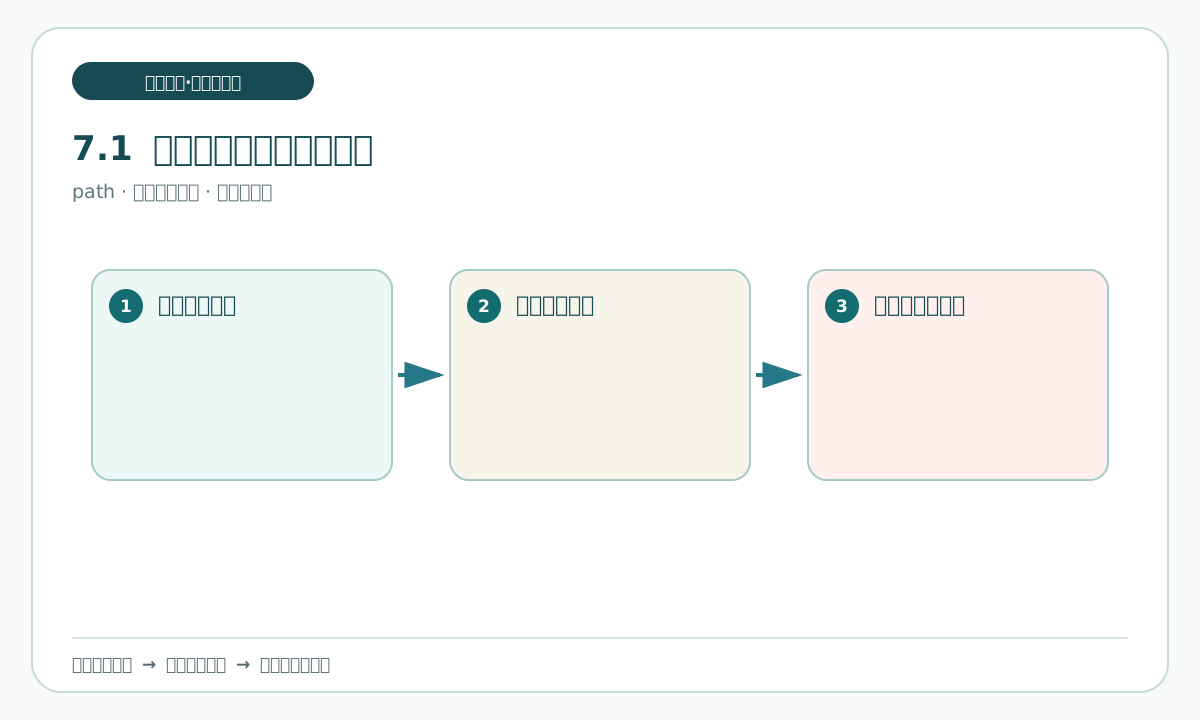
Knowing how to organize one material is not enough. Ordinary work may receive a correction while it is being organized and still has to be handed to someone else at the end. The value of this capstone is to connect the small actions into a traceable path: state the problem, state what is available, leave a record at every step, repair only the affected scope when a change appears, and let a person decide whether handoff is possible.
The new focus is how an ordinary small request reaches a checkable and handoff-ready state. Chapter 3 introduced a basic project skeleton, and Chapter 6 showed how one factual source can produce different versions. This chapter does not repeat those lessons. It focuses on evidence and stop points before handoff.
You can say:
I am doing one offline fictional exercise called “Update and hand off an office-supply request note”.
First state which practice materials you will read, which drafts you will write, and which external actions you will not take.
Do not use the network, log in, upload, send, publish, delete, or overwrite original material.
Give me the steps and stop conditions first, then wait for my confirmation before working on the personal practice copy.
You will receive a plan, not finished work. Check that the plan names its inputs, permitted writable copies, and stop line before a human decision. A common pitfall is writing “draft organized” as “enabled”, or treating the handoff-slip.md as a message already sent to a colleague. Stop and return both statements to draft status.
7.2 Choose a safe practice request
A safe practice request has three conditions: a small goal, materials that can openly be fictional, and a result that does not need to take effect immediately. “Update and hand off an office-supply request note” meets all three. This chapter has three fictional materials: old-instructions.md, pending-card.md, and a later-change material kept outside the initial read set. The personal-copy/README.md link is the folder instructions entry for the personal-copy folder. The first two are readable at the start. The later-change material is introduced in section 7.9. Do not open or copy it before then. Record that stop in a named practice record in the personal-copy folder. Before any later copy, consult the folder instructions entry. Do not use real names, organizations, addresses, accounts, clients, or contact details.
First create a dedicated local folder, such as “Chapter 7 practice - office-supply note”. It is a practice container, not a business system. Create the personal-copy folder inside it and use personal-copy/README.md as that folder's instructions entry. Consult the pre-copy instructions before adding later entries. The purpose of the folder is to keep original material unchanged; later entries go only in the personal-copy folder.
You can say:
Define “Update and hand off an office-supply request note” as an offline practice request.
List the practice goal, the two materials allowed at the start, the one change material introduced only in 7.9, the three draft results, and the four matters that must remain for a human decision.
Do not add an owner, place, promise, or enablement date that the materials do not contain.
Output a draft “request-card.md” with status “awaiting human confirmation”.
Check whether the intermediate work distinguishes material readable at the start from material introduced in section 7.9, and whether all four pending decisions remain unchanged. A common pitfall is adding “owned by a department” or “enabled on a certain date” to make the request look complete. Material without support must be marked pending confirmation, not filled with a plausible answer.
7.3 State what this pass will deliver
There are three practice deliverables. Fix their names and uses first:
- Update note: use
old-instructions.mdfor the initial draft; after the later change is introduced in 7.9, update only affected content and mark what still needs a responsible person's decision. check-record.md: record the initial basis first; after the change, retain old value, new value, and source, and state what did not change and what remains unknown.handoff-slip.md: tell the next person where the work stands, whether the change has been handled, what the four pending decisions are, and what a human must decide next.
“Delivery” here is not sending. It means organizing drafts so that another person can open, check, and continue them. All three drafts must point to the same facts. The initial drafts and the revised drafts made in section 7.9 stop one step before a human decides whether to send or publish.
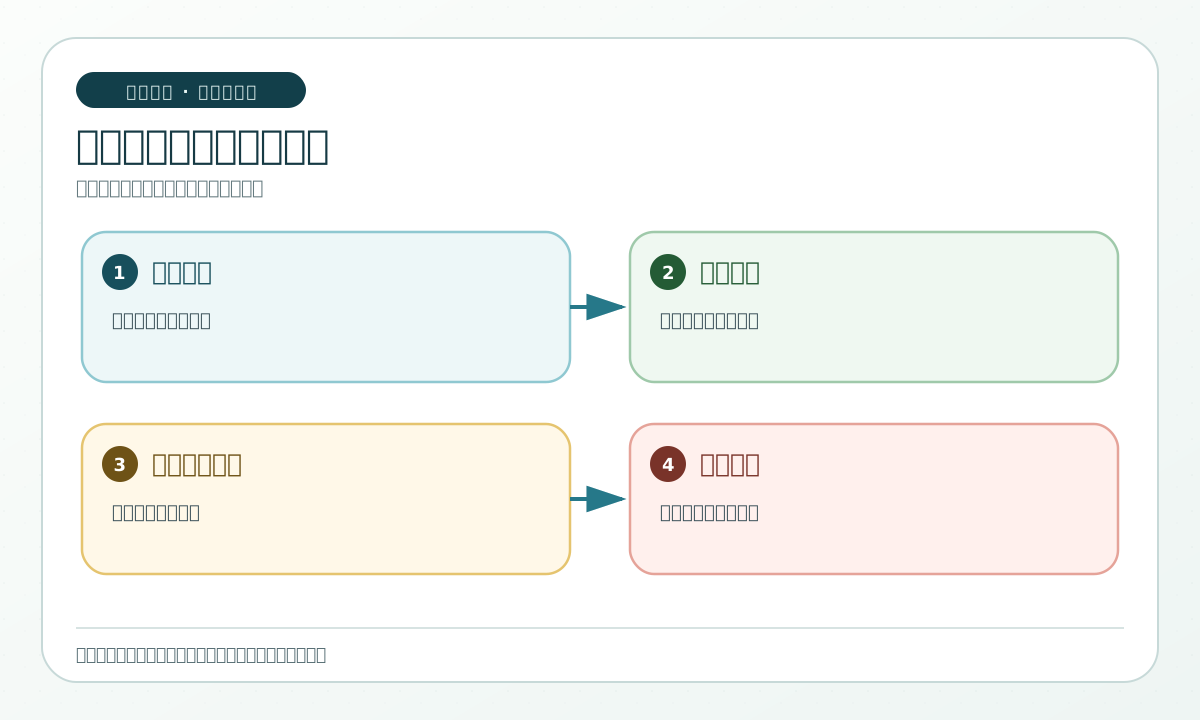
This diagram puts request, material, checking, traceability, and the pre-decision stop line in order so a beginner can see their relationship. It is an explanatory card, not a desktop interface, and cannot prove that any file has been saved by a system. Keep the boundary in the personal-copy folder while the drafts remain local, and use the personal-copy/README.md link as the folder instructions entry.
You can say:
Create a configuration table for the three deliverables.
Each row must include the deliverable name, reader role, intended use, allowed facts, unknowns that must remain, and human checking point.
Write practice drafts only. Do not send or publish, and do not turn pending decisions into conclusions.
Check that all three rows exist and all have a human checking point. “Reader role” is only a practice role, not a real recipient. A common pitfall is writing one “final note” and omitting check-record.md and handoff-slip.md; without them the process cannot be traced.
7.4 Prepare materials and draw the privacy boundary
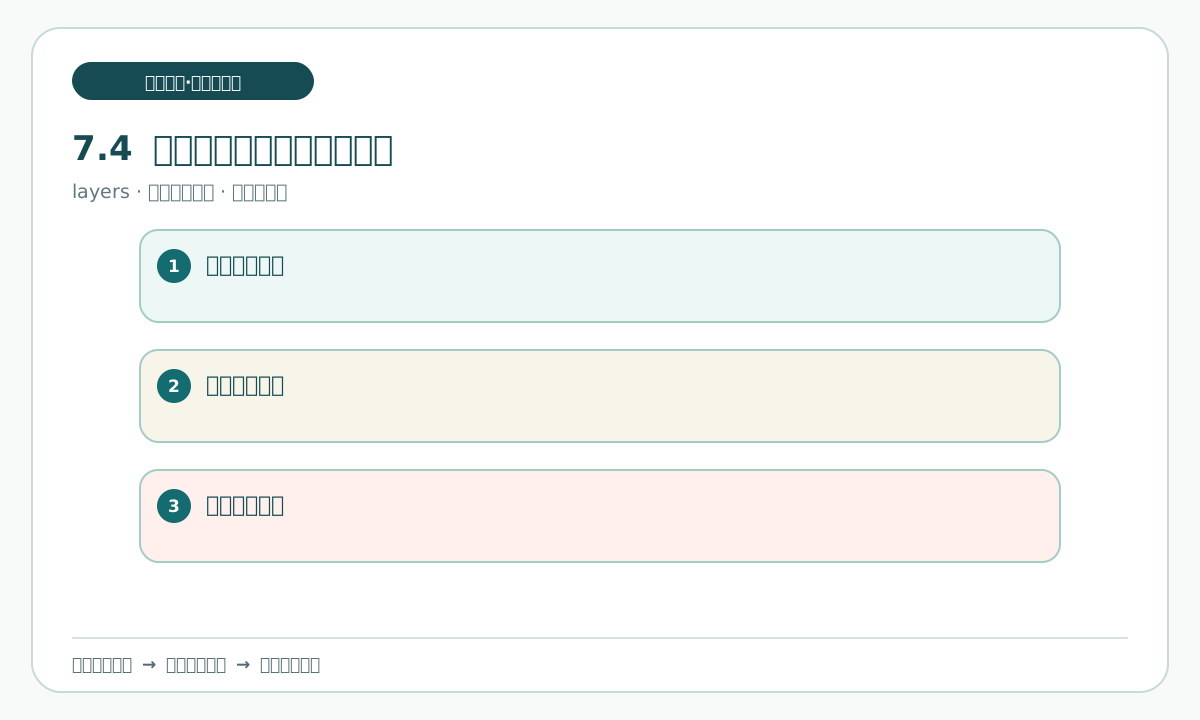
At the start, read only these two offline materials:
old-instructions.md: submissions may be registered every Tuesday and Thursday; the record contains item name, quantity, and purpose; ordinary items are usually handled at the next shared review; special items require a recorded request and have no promised supply time.pending-card.md: where the registration is kept; who serves in the duty role; whether a paper register is retained; and how to notify the registrant if an item cannot be provided.
The later-change material stays in the source-material area and is introduced in section 7.9. It will state changes to registration time, a field name, the ordinary-item handling wording, and the practice-draft reminder. Before 7.9 it is not opened or copied. Record that boundary in the personal-copy folder and keep the source side read-only. Use the same folder instructions at six distinct checkpoints: setup, initial copy, unopened-state confirmation, section 7.9 intake, receipt recording, and resume check. These links all open the same instructions file; none identifies a storage location.
At the start, copy only old-instructions.md and pending-card.md into the personal-copy folder, using the personal-copy/README.md link as its folder instructions entry. Review the personal-copy/README.md entry before copying. The copies may be named old-instructions-personal-copy.md and pending-card-personal-copy.md. Original material remains read-only. The personal-copy folder is the only place for practice files. It may contain the two copied inputs, the later-change personal copy introduced in section 7.9, request-card.md, task-brief.md, update-draft.md, check-record.md, handoff-slip.md, consistency-table.md, human-delivery-gate-checklist.md, and retrospective.md. The privacy boundary covers names, phone numbers, addresses, accounts, client information, and real internal paths. None belongs in this exercise.
You can say:
I placed old-instructions.md and pending-card.md in the personal-copy folder. Use the personal-copy/README.md link as the folder instructions entry. Keep the later-change material in the source area and do not open it before section 7.9.
First check read-only inputs and list the permitted practice files in the personal-copy folder using the personal-copy/README.md instructions.
The only permitted write location is the personal-copy folder and its listed practice files; do not write in the source-material area. Use the personal-copy/README.md entry for the folder rules.
Do not change original material, use the network, or handle real information.
Check that original materials are read-only, the personal-copy folder is the only writable location, and the later-change material has not been introduced. Use the personal-copy/README.md link as the folder instructions entry. Stop if real information appears. A common pitfall is treating a folder instruction entry as permission to overwrite originals; save a separate copy instead.