YunLab.ai
 CHAPTER 07 · 7.5–7.9
Handbook version: v1.0 · Official material check: 2026-08-23 · The current interface and account availability depend on each reader’s own state.
7.5 Draw the task map from start to handoff
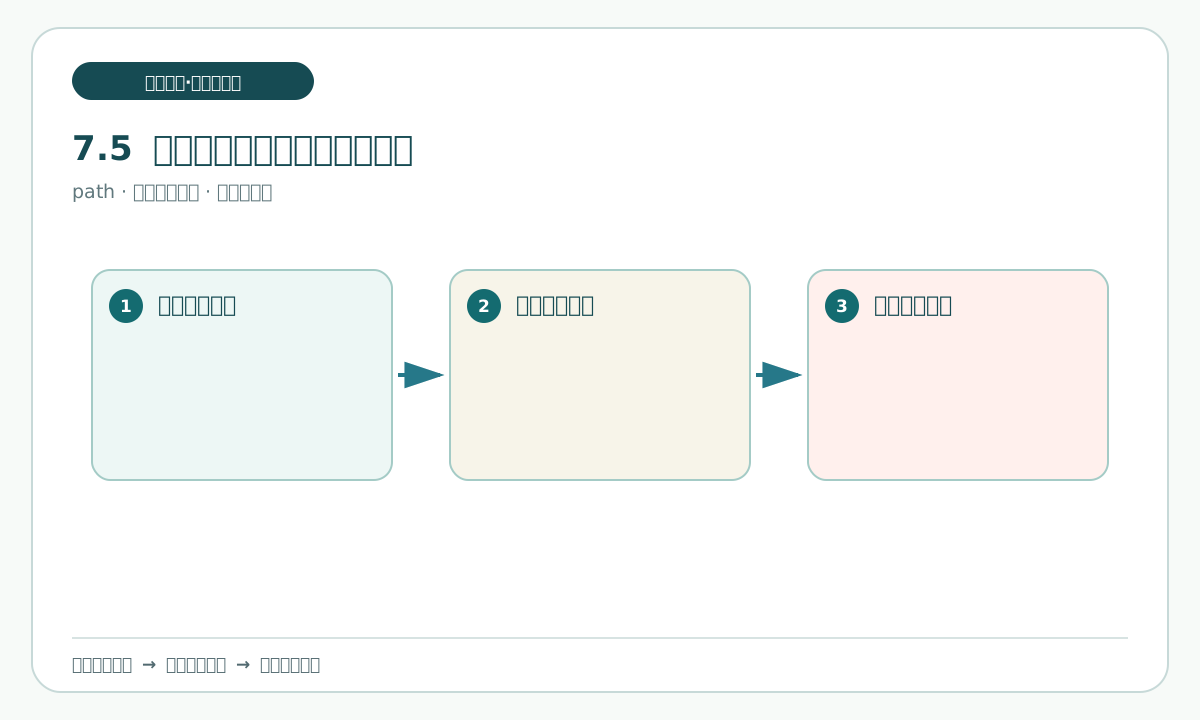
A task map is a readable route, not a complex project-management system. This case can be divided into eight stages:
- Confirm the practice goal, permitted scope, and writable-file list.
- Read
old-instructions.mdandpending-card.mdin read-only mode; keep the later-change material unopened. - Separate the facts known at the start from the four pending decisions.
- Write the initial
task-brief.mdand form the three initial drafts in sequence. - At 7.9, receive and copy the later-change material and record its local effects.
- Keep the old and new values, and repair only the affected positions in the three drafts.
- Use
consistency-table.mdto compare the three revisions while retaining differences and unknowns. - After the human delivery gate, remain stopped before sending or publishing.
Write one checkpoint beside every stage. A checkpoint is a place where progress can still be verified, such as “materials copied but unchanged”, “four pending decisions listed but not answered”, or “all three drafts opened”. If no evidence says which stage is current, do not continue.
You can say:
Turn the eight stages into a task map.
For each stage write the goal, input files, record to leave, pass condition, and stop condition.
Keep the map inside the local fictional practice; do not create scheduled jobs or connect to external systems.
Check that every stage has an input, an output, and a stop condition, especially that stages 5 and 6 retain the before-and-after difference before revising drafts. A common pitfall is treating “open the file” as “the check is complete”; opening is only an action, while evidence requires recording what was seen and having a person inspect it. Keep the writable boundary in the personal-copy folder, using the personal-copy/README.md link as the folder instructions entry where allowed practice files such as request-card.md are listed.
7.6 Separate known facts from pending decisions
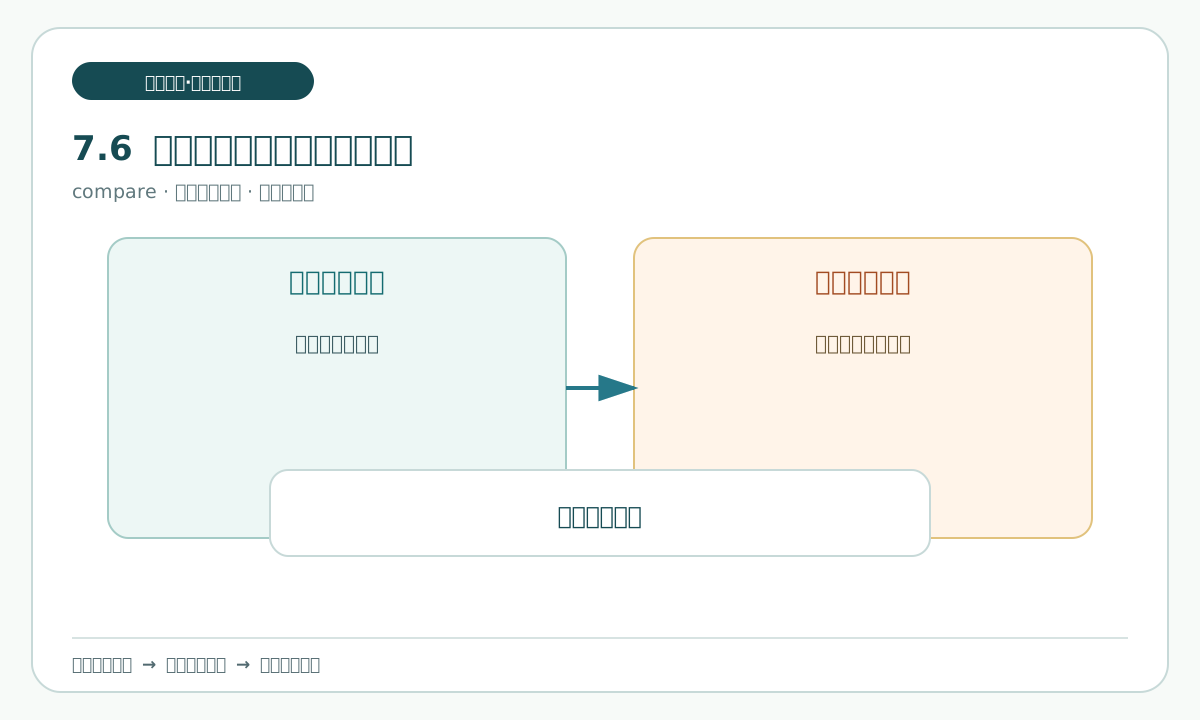
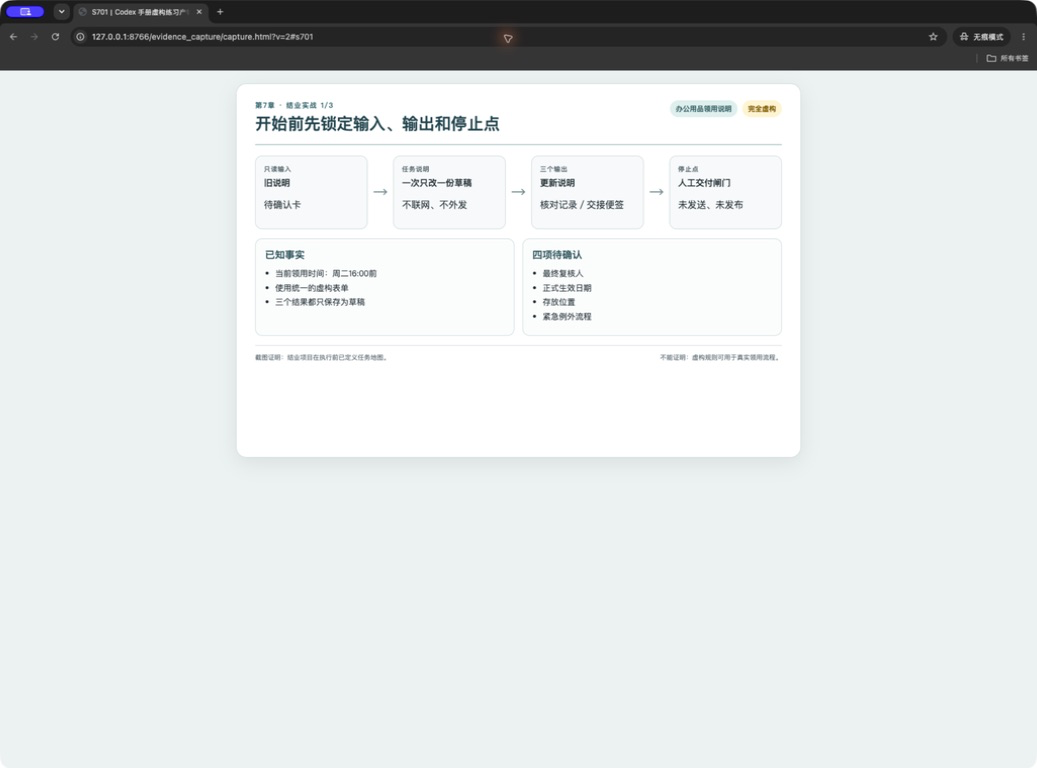
Start with a two-column table. The first column says what the starting material explicitly states; the second says what the material has not decided and must remain with a person. At this point, known facts come only from old-instructions.md: registration time, field names, the ordinary-item handling wording, and the fact that special items have no promised supply time. Compare the pending questions with pending-card.md, but do not infer answers. The later-change material is not yet introduced. Record that boundary in the personal-copy folder and use personal-copy/README.md as the folder instructions entry. The pending column must keep all four items:
- Registration location: where the registration is kept.
- Duty role: who serves in that role.
- Paper register: whether a paper register is retained.
- Notice method: how to notify the registrant if an item cannot be provided.
“Pending” does not mean that an answer exists somewhere else; it means the current material is not enough to conclude safely. Turning a pending item into an affirmative sentence makes a later reader think the responsible person has already agreed.
You can say:
Read only old-instructions.md and pending-card.md in the personal-copy folder.
Create two columns named “known at the start” and “pending decisions”.
For every known fact record the source material and location; keep all four pending decisions word for word.
Do not infer a responsible person, place, paper process, or notice method.
Output a check-record.md draft, not a final enablement note.
Check that every starting fact can return to the material, that none of the four pending decisions has been rewritten as settled, and that the later-change material was not used as an input. Compare the boundary against pending-card.md and the read-only rule in personal-copy/README.md. A common pitfall is treating “duty role” as a known person; the material mentions the role but does not identify anyone, so it must remain unknown. Use check-record.md and old-instructions.md to leave that evidence.
7.7 Write the first executable task-brief.md
task-brief.md should tell the next person why the work exists, what to use, what to do, and where to stop. Include six fields:
| Field | What to write for this practice |
|---|---|
| Goal | Update a fictional office-supply request note and leave a traceable record. |
| Input | At the start use old-instructions.md and pending-card.md in the personal-copy folder, following the personal-copy/README.md folder instructions; in section 7.9, add the later-change copy to that same personal-copy folder, again following the personal-copy/README.md instructions. |
| Allowed actions | Read, compare, draft, and record differences; save only the named practice files in the personal-copy folder, using the personal-copy/README.md folder instructions. |
| Prohibited actions | Use the network, log in, upload, delete, overwrite original material, send, or publish. |
| Result | request-card.md, task-brief.md, and three initial drafts: the update draft, check-record.md, and handoff-slip.md; in section 7.9, produce revisions, consistency-table.md, human-delivery-gate-checklist.md, and retrospective.md in the personal-copy folder. |
| Human acceptance | A person opens each file and checks facts, unknowns, file locations, and the stop line. |
“Allowed actions” states what you may do, while “prohibited actions” states what you may not do; together they form the boundary. Do not write only “organize the material”, because that does not identify an action that crosses the line.
You can say:
Turn the request into an executable task brief.
It must contain the goal, input, allowed actions, prohibited actions, result, and human acceptance.
The result may be written only to the listed personal-copy files: request-card.md, task-brief.md, the three drafts, consistency-table.md, human-delivery-gate-checklist.md, and retrospective.md.
Do not send or publish anything real. If material conflicts or is missing, mark it pending and stop expanding.
Check whether a person unfamiliar with the project can understand task-brief.md, whether it names the personal-copy folder and points to personal-copy/README.md as the folder instructions entry, and whether human acceptance comes last. The assistant may list checks, but a person must open the files and make the final decision. Keep the complete list with personal-copy/README.md, request-card.md, task-brief.md, update-draft.md, check-record.md, handoff-slip.md, consistency-table.md, and human-delivery-gate-checklist.md.
7.8 Proceed step by step and leave reviewable records
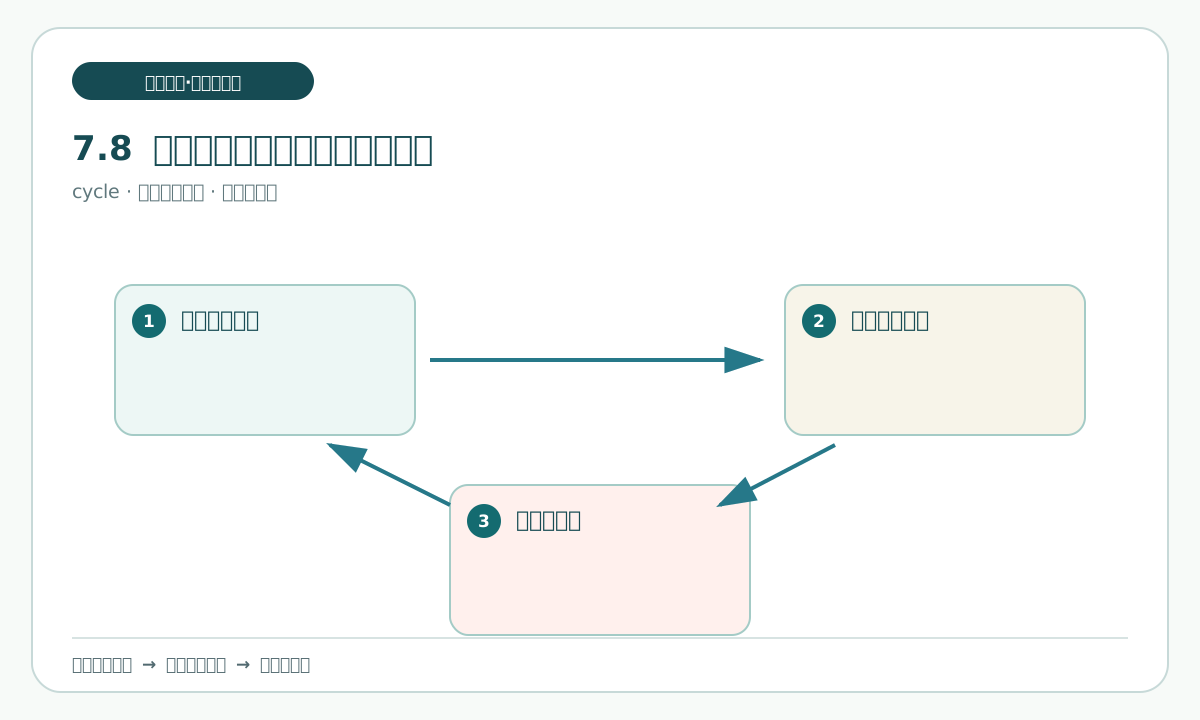
Now execute the map. After every action, write four things in check-record.md: what you did, which file you opened, the basis, and the next step. The basis is the file or wording you actually saw, not an assistant's inference.
In a new Codex Desktop task, place old-instructions.md, pending-card.md, the personal-copy folder, and task-brief.md in one local practice folder. Use the personal-copy/README.md link as the folder instructions entry. Ask it to read before writing and change one target draft at a time. Form the update draft, check-record.md, and handoff-slip.md in sequence. After each one, open it yourself and confirm its name, content, and status before asking for the next. The later-change material remains unopened in this section.
You can say:
Work only on update-draft.md.
Read old-instructions.md, pending-card.md, the personal-copy folder, and task-brief.md, then list the starting facts you will cite.
Write only what old-instructions.md supports. Keep all four pending decisions pending; do not open or cite the later-change material.
Afterward list the file location, sources used, and undecided items.
Do not modify inputs, create extra files, send, or publish.
Check that each output writes only to its assigned draft, that check-record.md records the source and next action, and that all three initial drafts are marked “initial draft, pending later change and human acceptance”. This check record is the reviewable basis for pause and recovery. A common pitfall is asking for all three outputs at once, which makes differences hard to locate; one draft at a time is safer. Keep related links in personal-copy/README.md, update-draft.md, task-brief.md, old-instructions.md, pending-card.md, check-record.md, handoff-slip.md, and consistency-table.md.
7.9 When a change appears, make the minimum repair
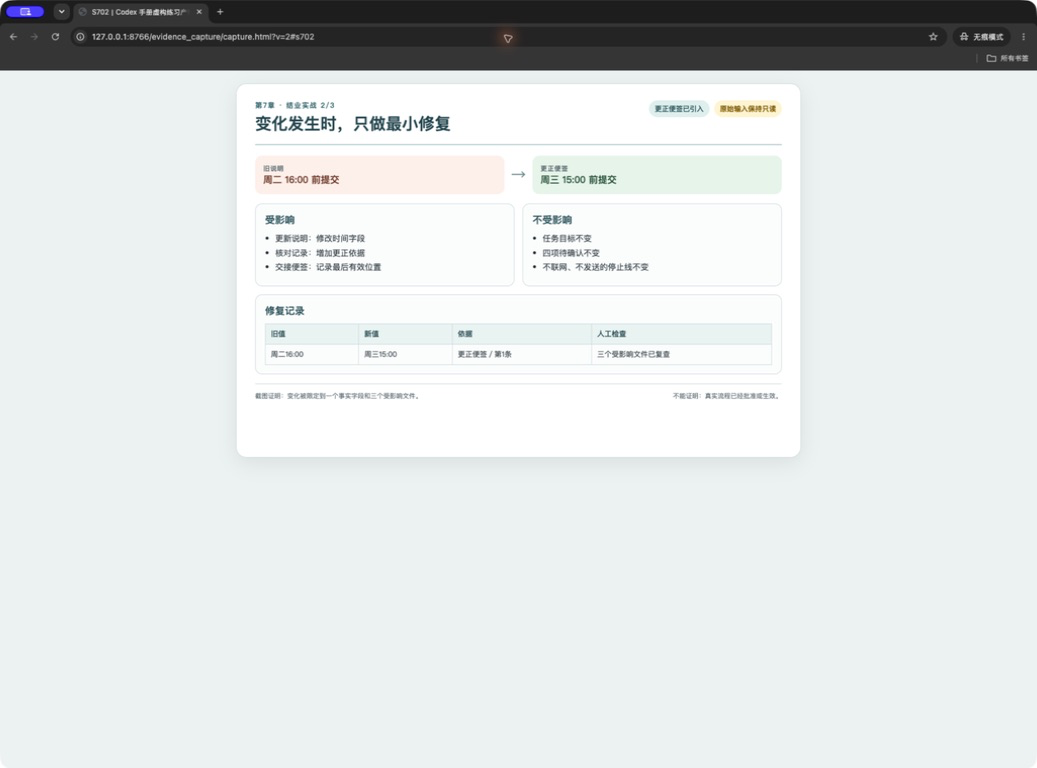
In section 7.9, simulate receiving a mid-process change. A person opens correction-note.md, copies it as correction-note-personal-copy.md, and records the receipt time and file location in check-record.md. The correction-note.md says that old-instructions.md changes “every Tuesday and Thursday” to “Monday through Thursday before 16:00”; “purpose” changes to “reason for use”; the ordinary-item handling wording changes; and the update draft must add a practice-draft reminder. A minimal repair changes only affected sentences and records instead of rewriting everything that did not change.
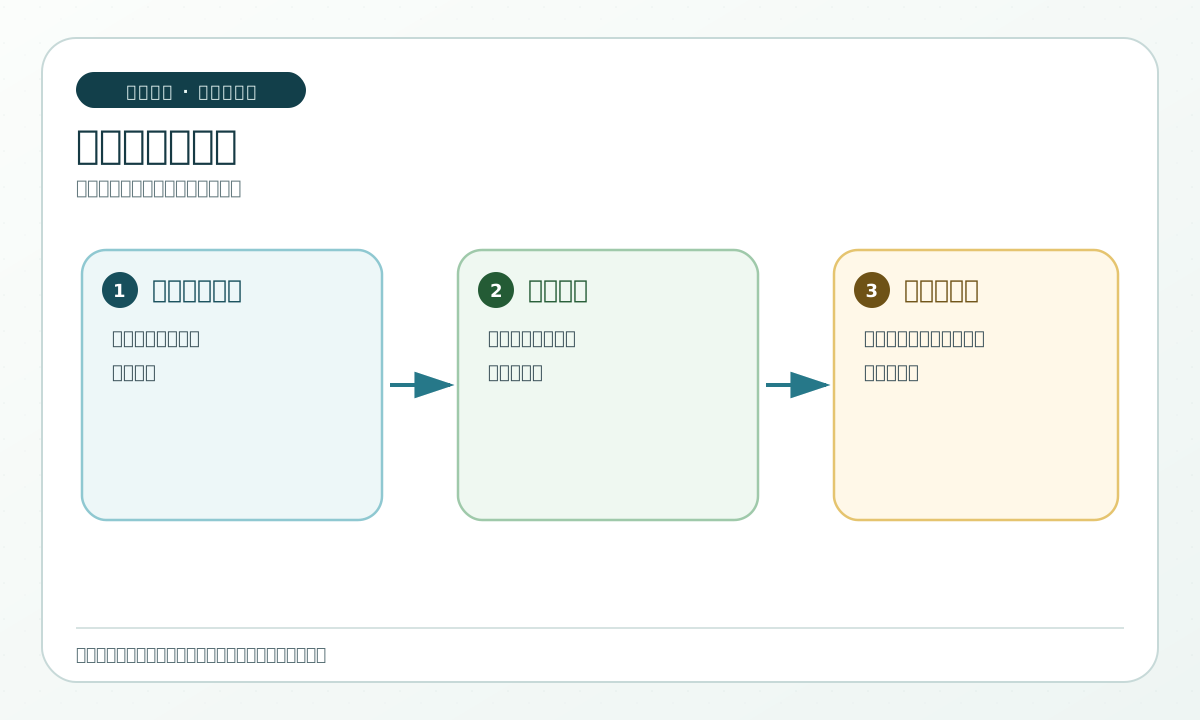
The safe order is to preserve the old value in check-record.md, then record the source and new value; next revise the update draft, check-record.md, and handoff-slip.md in the personal-copy folder; finally reopen all three drafts and check the affected locations. Neither the original old-instructions.md nor the original correction-note.md is deleted or overwritten.
You can say:
Read only the copied correction-note-personal-copy.md, the three initial drafts, and task-brief.md, then make one minimal repair.
First preserve the old value, new value, and correction location in check-record.md; then update only the affected sentences in the three drafts.
Do not delete the old record or decide any of the four pending items.
List the locations affected in the three revised drafts and wait for human inspection.
Check that the old value remains findable, the new value has a correction source, and the three revisions do not conflict. A common pitfall is changing old-instructions.md into a new instruction, which hides what happened; if the old value disappears, stop and return to the initial draft in the personal-copy folder, using the folder instructions entry only to confirm the folder rules. Recheck the correction copy in correction-note-personal-copy.md, the repair record in check-record.md, the handoff in handoff-slip.md, and the unchanged-file boundary in personal-copy/README.md.