 YunLab.ai
 CHAPTER 07 · 7.10–7.14
Handbook version: v1.0 · Official material check: 2026-08-23 · The current interface and account availability depend on each reader’s own state.
7.10 Bring scattered outputs back to the same facts
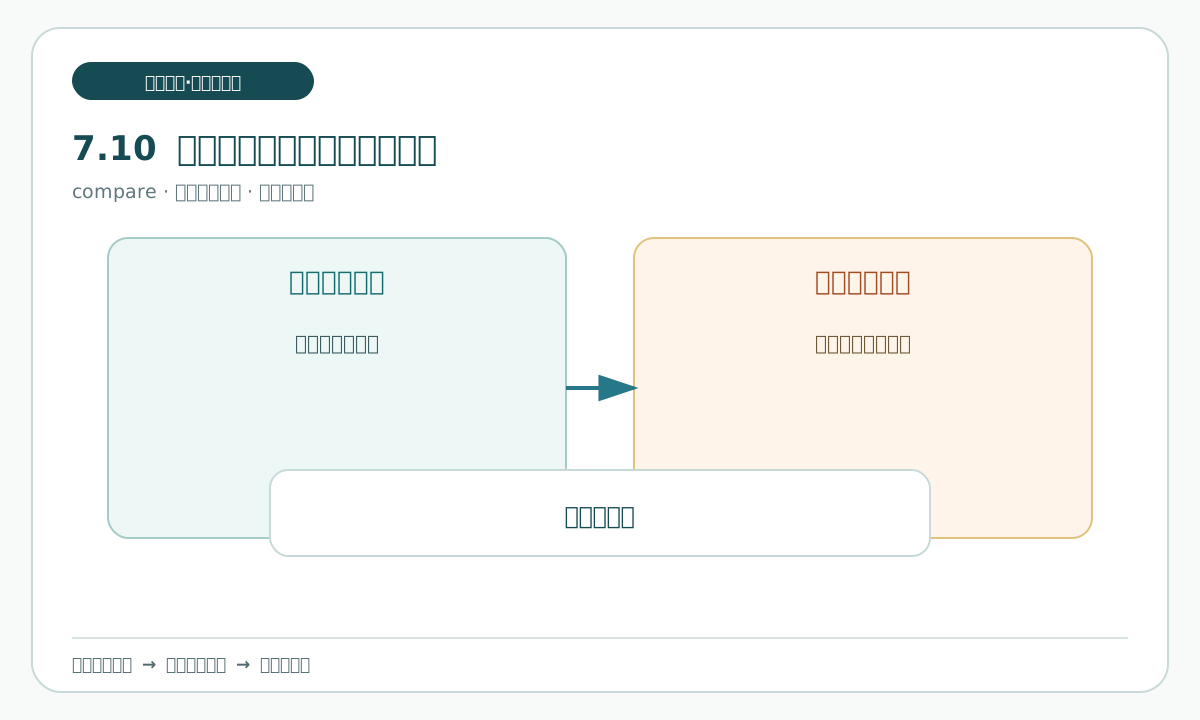
The three revised drafts have different purposes and can use different wording, but their facts cannot diverge. They must retain the same set of facts. Use one consistency-table.md and list each key fact: registration time, field name, ordinary-item handling wording, special-item wording, the practice-draft reminder, and the four pending decisions. Check each row against the update draft, check-record.md, and handoff-slip.md.
This is not Chapter 6's lesson about deriving multiple versions from one factual source. It is this chapter's recovery check: after the minimum repair, compare the three revised drafts item by item and find omissions, wrong wording, and unknowns that were accidentally written as settled. When a difference appears, return to check-record.md rather than changing one copy by intuition.
You can say:
Read only the three drafts and check-record.md, then build consistency-table.md.
For each key fact list the wording in all three drafts, the source location, and whether they agree.
When you find a difference, mark its location and reason; do not overwrite any draft directly.
Keep all four pending decisions unresolved in the update draft and handoff-slip.md.
Check that every difference has a location and that no wording is silently treated as the correct answer. A common pitfall is replacing source language with a sentence that merely looks more complete; complete is not the same as supported. If a location has no basis, mark it as insufficient evidence and stop. Reopen the check record before making any correction.
7.11 Set the human delivery gate
The human delivery gate follows the Chapter 6 practice: before any real send or handoff, a person performs the final check; it is not automatic sending. Human acceptance must check at least eight items:
- All three drafts exist, and their names and locations can be opened.
- The update draft uses only the three fictional materials.
- The before-and-after difference is recorded, and the old value has not been deleted.
- Registration time, field name, and handling wording agree across all three drafts.
- All four pending decisions remain without conclusions.
- The update draft says that it is a practice draft and that enablement requires separate confirmation by the responsible person.
handoff-slip.mdclearly says that nothing has been sent to anyone.- No prohibited action occurred, and the next step is explicitly a human decision.
You can say:
Turn the eight human-acceptance items into a checklist.
Read only the three drafts, check-record.md, and task-brief.md, and give the evidence location for each item marked “waiting for human inspection”.
Do not turn “assistant checked” into “human passed”; do not send or publish.
Open each file instead of relying on a chat summary. Eight check marks mean only that the checklist supports inspection; the final decision, sign-off, and sending remain with a person.
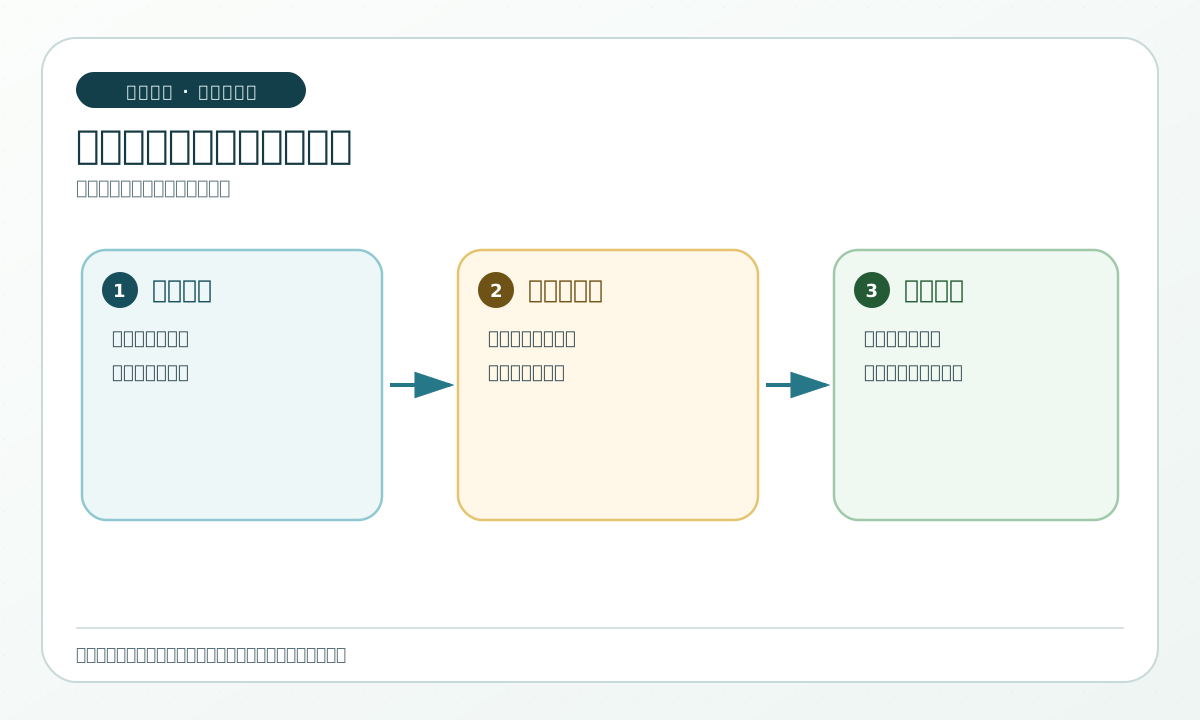
7.12 How to hand off, pause, and recover
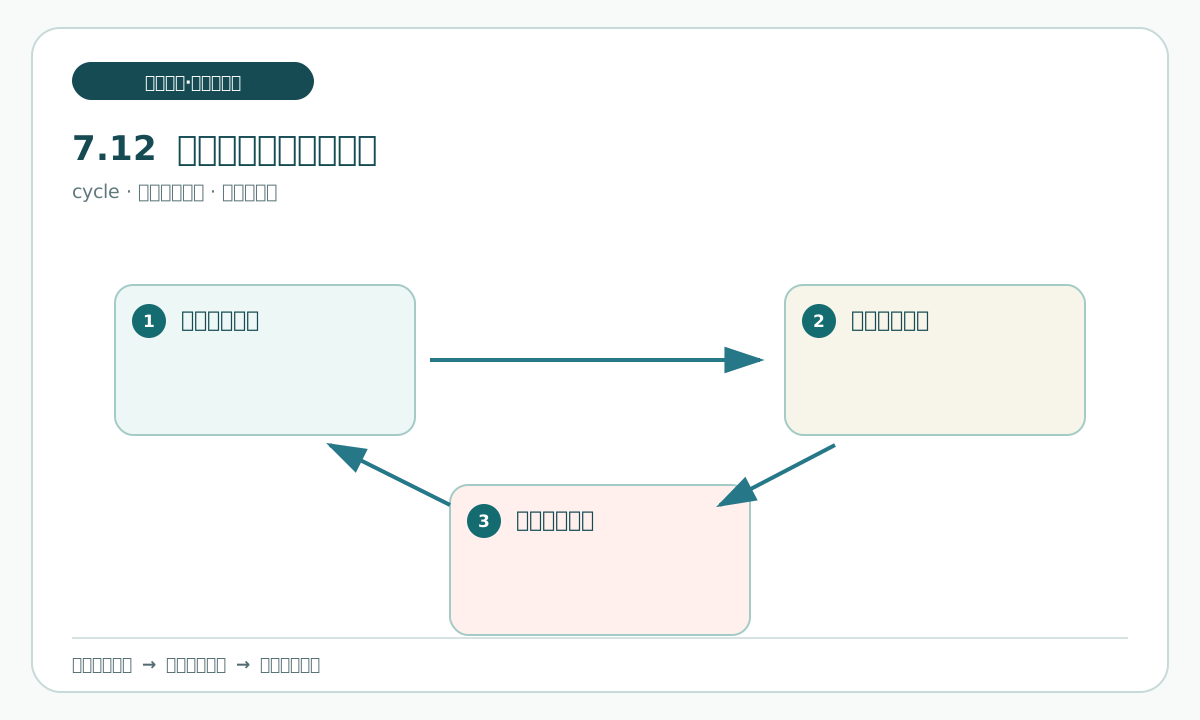
handoff-slip.md should let the next person continue without guessing. It should state the practice goal, completed actions, the locations of the three drafts, the four pending decisions, the last valid location, the next safe action, and “not sent, not published”. A last valid location is the file and step that can still be opened and traced to evidence; it is not a memory of where work stopped.
If the work pauses, first save the current draft and check-record.md, then write the reason for pausing in the slip. On resume, check whether the input copies changed, verify the last valid location, and continue only from an unfinished step. If the location cannot be found, do not continue from memory; return to the most recent record that can be opened and checked.
You can say:
Use the current check-record.md to draft a handoff-slip.md.
State completed actions, the locations of the three drafts, the four pending decisions, the last valid location, and the next safe action.
The status must be “waiting for human acceptance” and must explicitly say not sent, not published.
If the record location cannot be found, stop and list the missing item instead of guessing a recovery.
Check whether the next reader can find all three drafts using only the slip and can tell where to continue. A common pitfall is writing “most of it is complete”; that cannot be reviewed, so replace it with a specific file and stage. Keep the pause record and the handoff in their named practice files.
7.13 Extract reusable methods from this exercise
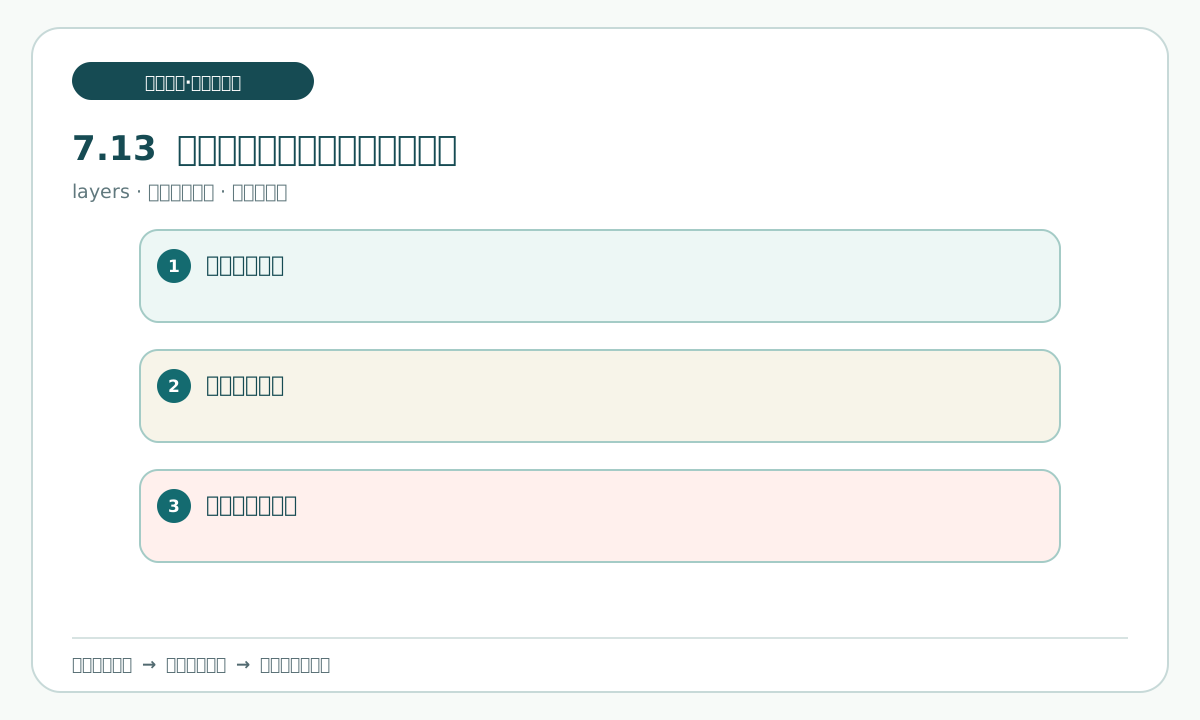
A retrospective is not a polished summary. It answers four practical questions: which step most easily loses a fact, which checkpoint helps most, which change requires a human decision, and which actions may be reused next time. Sort the method into four categories:
- Keep human: fact selection, pending decisions, whether to enable, and whether to send.
- Assistant support: compare materials, draft tables, list differences, and check files for omissions.
- Future candidate: after repeated low-risk use, consider fixed fields or a semi-automatic template, still with human acceptance.
- Do not automate: sending, publishing, deleting original material, replacing a responsible person's approval, or bypassing privacy checks.
You can say:
Use check-record.md to make a retrospective.md.
Classify what a person should retain, what an assistant may help with, what may be evaluated later, and what is explicitly prohibited.
Give a reason and a next checkpoint for each category. Do not create an automation configuration.
Check that every category has a reason and that a future candidate has not been written as something allowed now. Repetition can justify evaluation, but it cannot replace permission or a human decision.
7.14 Final check before completing the full exercise
Run one final check in this order. Do not let the assistant loop without a stop:
- Open
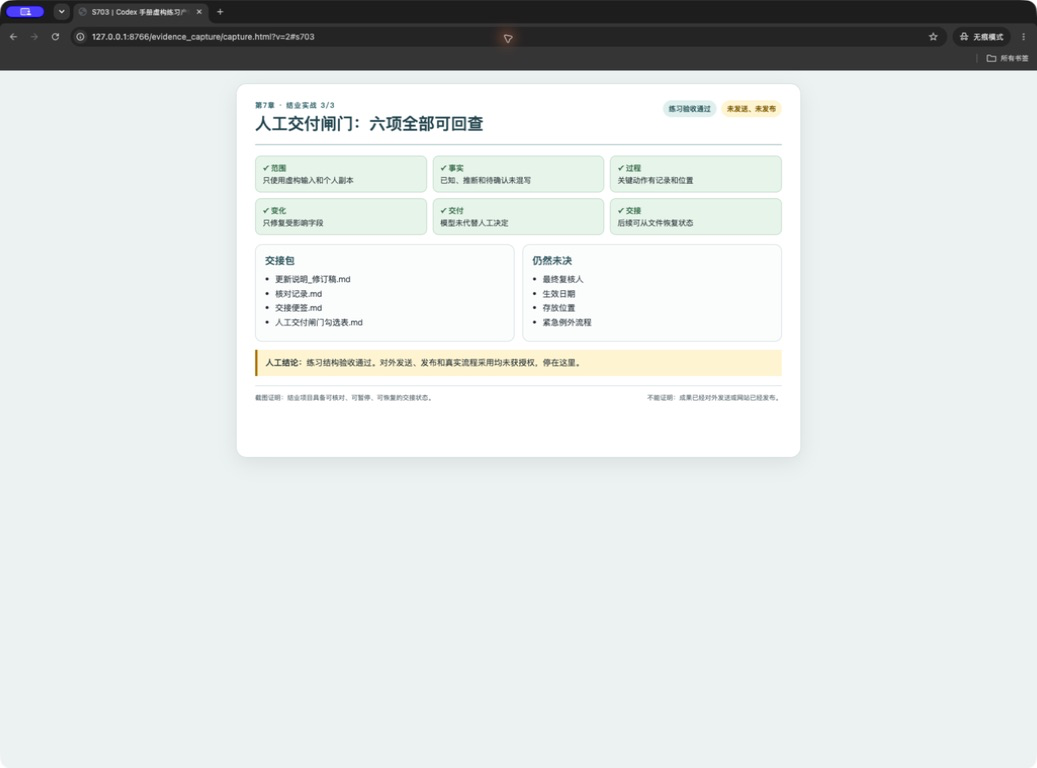
old-instructions.md,pending-card.md, andcorrection-note.mdin the source-material area, then compare them with the three input copies in the personal-copy folder, usingpersonal-copy/README.mdas the folder instructions entry. Confirm that originals are unchanged and that the personal-copy folder is the writable practice location; use thepersonal-copy/README.mdentry to check its rules. - Open the update draft and check that the change was introduced in section 7.9 and applied in the affected drafts, that the practice-draft reminder is present, and that all four pending decisions remain.
- Open
check-record.mdand confirm that each change has a source, old value, and new value. - Open
handoff-slip.mdand confirm the last valid location, next safe action, and unsent statement. - Compare
consistency-table.mdand confirm that the three drafts do not conflict. - Confirm that there was no network use, login, upload, deletion, overwrite, send, or publish action.
- A person fills in the acceptance result. If a file cannot be opened, a source cannot be found, or real information appears, choose return or pending confirmation.
You can say:
Do one offline final check.
Read task-brief.md, the three input copies in the personal-copy folder, using personal-copy/README.md as the folder instructions entry, the three drafts, check-record.md, and handoff-slip.md.
Output unresolved items and evidence locations. Do not announce completion, send, publish, or create a new file.
Stop after the check and wait for human acceptance.
Check that the report lists evidence locations instead of only saying “all passed”. The safe endpoint is “ready for a human to decide whether to send or publish”, not enabled. If any of the four pending decisions remains unresolved, a source location cannot be opened, or the scope changes, stop and record the reason.
This chapter uses only fictional practice materials and stops before human inspection; it is not completion of a real business process.