 YunLab.ai
 CHAPTER 05 · 5.15–5.20
Handbook version: v1.0 · Official material check: 2026-08-23 · The current interface and account availability depend on each reader’s own state.
5.15 How to handle source conflicts
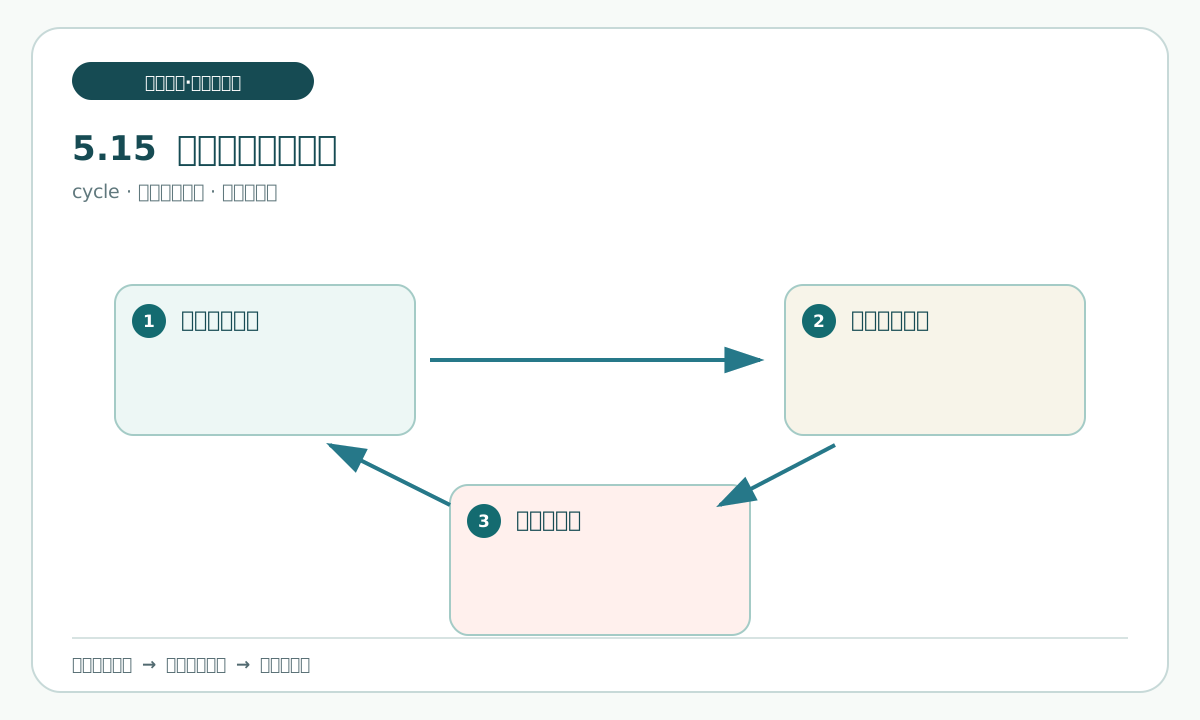
What this section solves
When two materials describe the same field differently, the dangerous action is to keep only the sentence that sounds more authoritative. A later reader must be able to see that both statements existed and understand why the difference remains unresolved or needs a human decision.
A conflict is a traceable mismatch between statements about the same object and field. It does not prove that one side is false. Preserve the wording, publisher, date, scope, and evidence location before choosing a safe next action.
What supports it
Cross-checking is a bounded comparison between named entries; it is not permission to add an unlisted source. Record the comparison target and stop when the written material limit is reached.
Use the T3 conflict fields with cards A, B, and C. Put different statements side by side. If card C states a correction, record exactly which field it corrects; do not expand “other items remain unchanged” into an answer about every other item.
Follow along
- Open T3 and find two or more claims that point to the same field.
- In the conflict basis, write the source number, entry number, and different wording for each statement.
- State the date, publisher, and applicable scope of every statement.
- If there is a later correction, record which item was corrected and leave all unstated items unchanged.
- In the unknown or insufficient-evidence field, write what still cannot be decided.
- For the next safe action, write “send for human checking”, “retain the conflict”, or “wait for clearer material”.
Copyable prompt 6:
Goal: Check different source statements about the same field in T3 and record conflict, unknown, and correction relationships separately.
Allowed to read: the three offline cards and the numbered claims in my T3 personal copy.
Only output: Update only T3's conflict basis, unknown or insufficient-evidence, and next-safe-action fields.
Prohibited actions: Do not choose a final answer for a person, delete any source, expand a correction beyond what it states, use the network, or create a fact-base file.
Acceptance: Every conflict has a source and entry; unknown is not changed to yes or no; the correction relationship remains separate from the original sentence.
Stop when: Guessing is required, an entry cannot be located, unauthorized material appears, or someone asks to turn the conflict into one conclusion.
What Codex may do is help place a source number or location in the correct field. It may not decide the conflict, delete a source, or invent a correction. The record stops before an external answer.
What you should see
T3 should show different statements side by side with their locations and reasons. It does not need to produce a polished answer immediately, but it must show that no side was chosen secretly.
A sound conflict record states which claims differ, where each came from, which condition may explain the difference, and what the next step is. “There is a conflict” without sources is not reviewable.
Practice and human acceptance
Practice: choose one date difference and one capability difference. Record the conflict basis, unknown status, and next action for each. Do not write a final answer at this step.
Pass when both evidence locations are present, the correction covers only the stated field, the unknown remains neutral, and the next action does not expand scope.
Common pitfalls, recovery, and stop points
Do not treat a correction card as a reissue of every item. Keep the original wording and mark only the corrected field. Do not strengthen “may” or “claims” to “has”; stop if the meaning cannot be preserved.
Next
The next section handles missing or insufficient evidence. Knowing when to write unknown is more important than forcing a complete sentence.
5.16 What to do when evidence is missing or insufficient
What this section solves
“Not found” is not the same as “does not exist”, and “a repost says it” is not the same as “confirmed”. An unknown field says that the available material cannot answer a question. Insufficient evidence says that the material cannot support the strength of wording being considered.
What supports it
Use T3's unknown and insufficient-evidence fields, T1's stop line, and T2's support scope. If a card does not mention a recording, it shows only that the card did not state it. If a repost claims a recording exists, retain that claim without upgrading it to an organizer fact.
Follow along
- Open T3 and find each candidate sentence that lacks direct evidence.
- In the unknown field, write what the available materials cannot answer, not only the word “unknown”.
- In the insufficient-evidence field, name the missing source type or condition.
- In the next safe action, state what a human would need to add, or write “do not add it in this pass”.
- Return to T1 and confirm that the next action stays within quantity, time, and privacy limits.
- Have a human sample one unknown row and check that it has no implied answer.
What you should see
An unknown record answers what is missing, why it is missing, and whether a next step is allowed. “Cannot prove” remains separate from “proves the opposite”; the latter needs direct negative material.
Practice and human acceptance
Practice: for the four questions in the research question card, write one status sentence saying “evidence sufficient” or “evidence insufficient”. Do not enter a final fact. A partner checks that every “sufficient” row has a location.
Pass when the gap is specific, the next action is bounded, and common sense has not been introduced as evidence. Fail when an omission becomes a denial or a “probably” sentence fills a blank.
Common pitfalls, recovery, and stop points
Do not turn “not stated” into “none”. Keep the unknown and return to the material boundary. If resolving the gap would require a new source, login, download, or external action, stop.
Next
With conflicts and unknowns recorded, the next section writes a small set of candidate facts into the fact-check table with evidence and limits.
5.17 Write verified candidates into the fact-check table
What this section solves
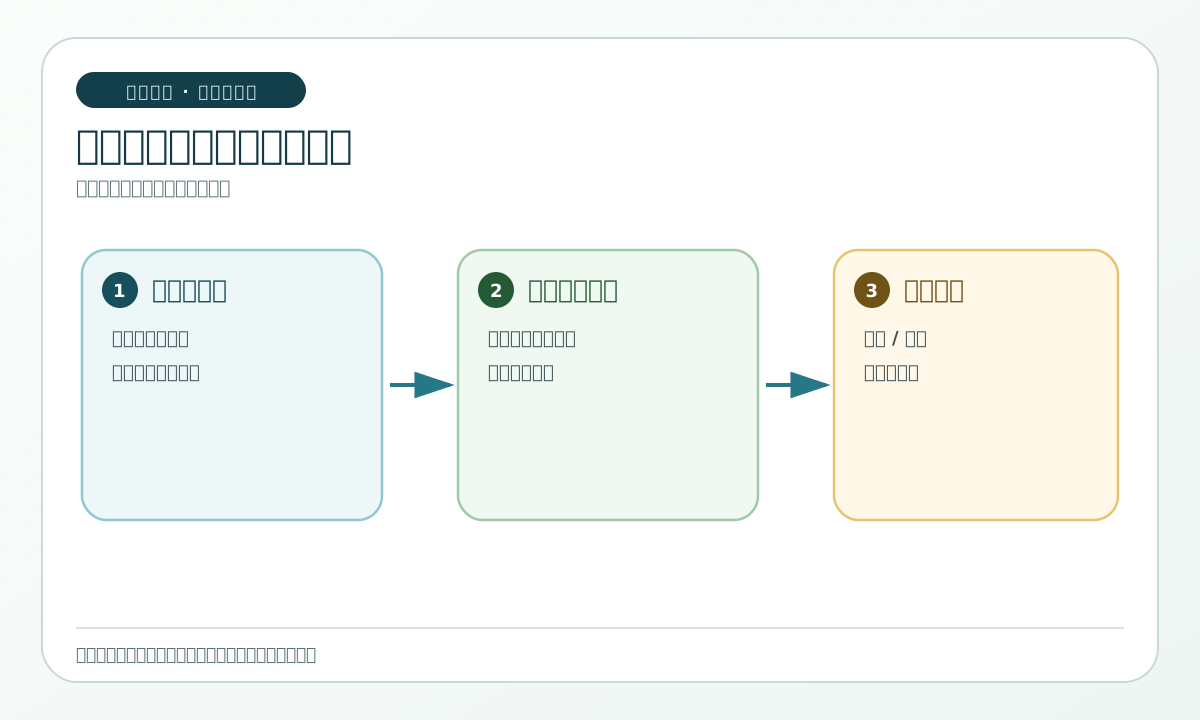
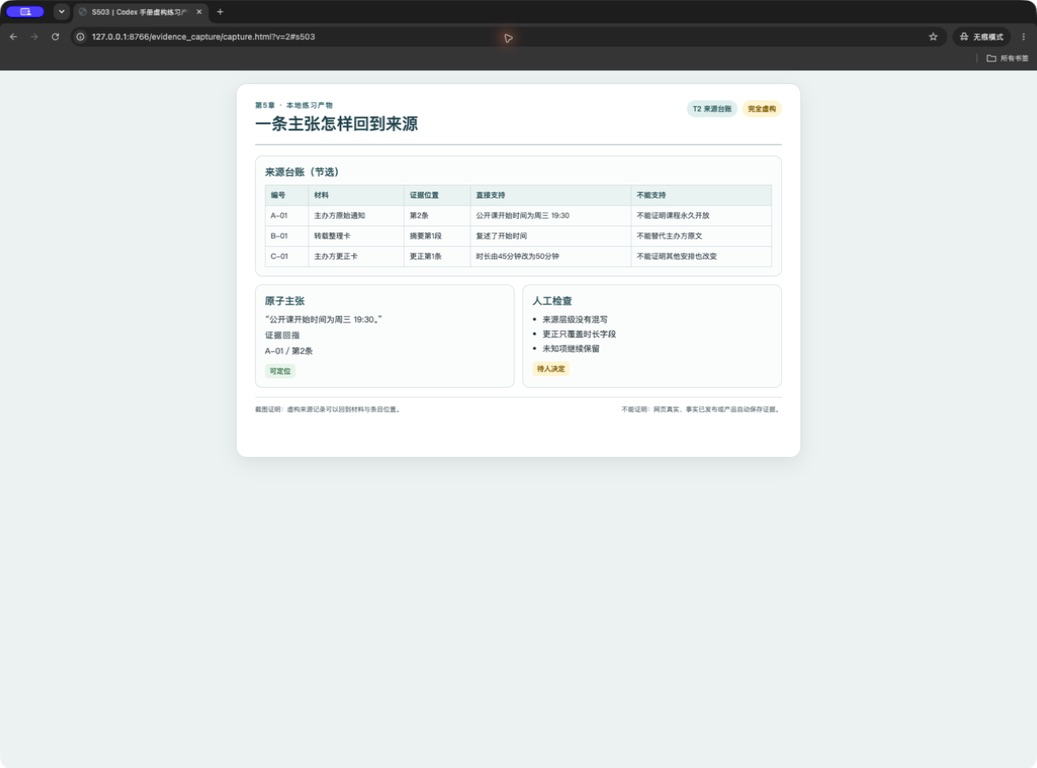
The source ledger tells you where material is, T3 tells you what each sentence is, and T4 gathers the candidate wording that may be checked by a human. Gathering is not deletion: every candidate keeps its evidence number, date, applicable scope, status, and limitation.
What supports it
Use the source ledger for locations, T3 for claim wording, and the fact-check table for candidate status. “Verified” means the row passed the written evidence and scope checks; it does not mean published, current, or approved for external use. A second pass through the fact-check table is still a human check.
Follow along
- Open your T4 personal copy and read its header and human-review area.
- Select only T3 candidates that return to an evidence location.
- Fill fact wording, evidence number, date, applicable scope, and status one row at a time.
- Keep source limits in the writable wording and state strong claims that cannot be written.
- Place conflict and unknown states in their corresponding rows; do not create an answer file.
- Open T1, T2, and T3 again and trace every T4 row back through the chain.
Copyable prompt 7:
Goal: Compare T1, T2, and T3 and check whether the four T4 candidate-fact rows have evidence, date, applicable scope, and limitations.
Allowed to read: my T1, T2, T3, and T4 personal copies; the four inputs are read-only.
Only output: In the existing human-review note area of T4, list missing evidence numbers, scope, conflict, or unknown; do not fill the human decision or signature.
Prohibited actions: Do not create a new unique-fact-base file, change unknown into a conclusion, send or publish, or modify an input.
Acceptance: Each candidate fact returns to T2 and T3; human decision, signature, and date remain blank for a person to fill.
Stop when: An answer leaks into the record, a trace fails, model self-evaluation is being used instead of human review, or a new draft or external action is requested.
T4 is a review surface, not a publishing surface. Keep the personal copy local to the exercise and stop before any send, upload, or external write.
What you should see
T4 should show candidate wording, evidence number, scope, state, limitation, and a blank or human-filled review result. The UI figure is a fictional local practice artifact; it is not a product screen or proof of automatic saving.
Practice and human acceptance
Practice: complete two T4 rows and ask a human to trace them back to T3 and T2. Pass when the reviewer can distinguish a candidate fact from the human decision.
Common pitfalls, recovery, and stop points
Do not write “verified” simply because a row looks complete. Return to the source location, preserve the limitation, and stop when human review is missing.
Next
The next section runs the four-table exercise as one controlled pass.
5.18 Standard exercise: check a small set of low-risk public facts
What this section solves
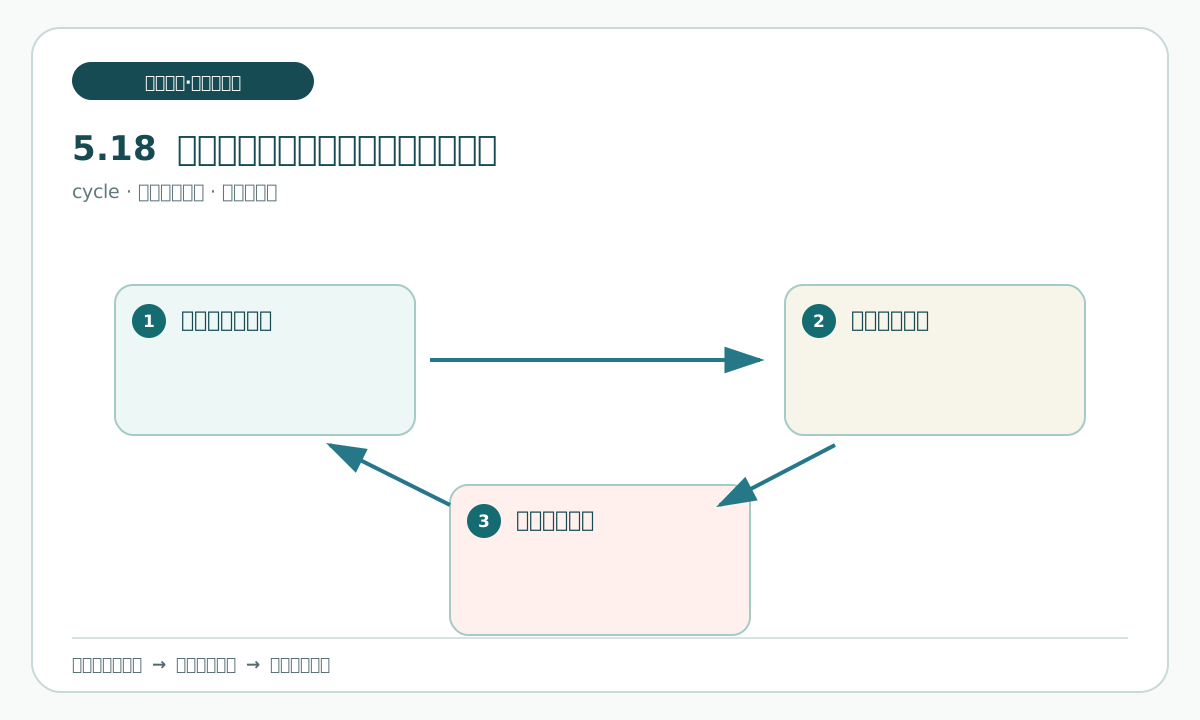
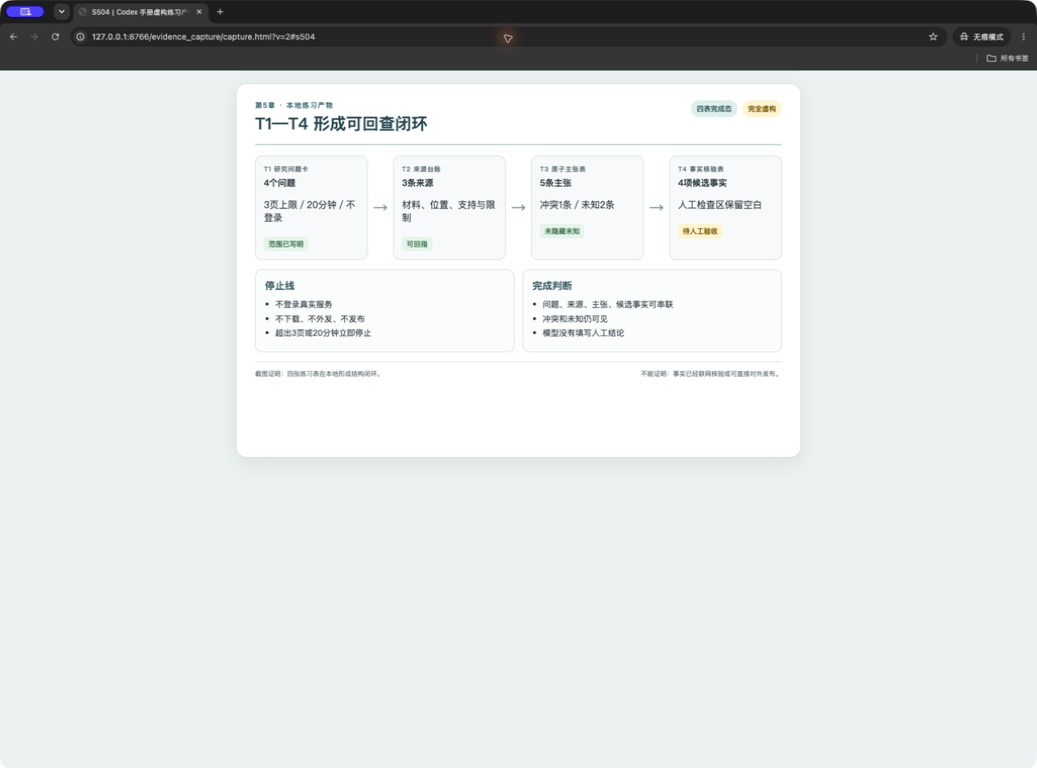
This is a controlled rehearsal of T1 through T4, not a live research job. It checks whether a reader can preserve the W01 baseline, define four questions, keep source locations, write atomic claims, and stop at human review.
What supports it
Use the four fictional inputs, the three source cards, the question card, the source ledger, the atomic-claims table, and the fact-check table. The local UI illustration is only a visual aid for the record shape; it does not prove a real product or webpage.
Follow along
- Read the start-here instructions and confirm the stop line.
- Open
W01 pending decisionsand classify its three items as internal confirmation or bounded public research. - Copy and fill the four questions, purpose, acceptance condition, and scope in the
research question card. - Open the four input snapshots and make the three T2 source rows.
- Use T3 to split A, B, and C into one-claim-per-row records with conditions, conflicts, unknowns, and next actions.
- Use T4 for four candidate facts and leave the human-review area visible.
- Have a human reopen the inputs and personal copies, choose pass, return, or remain pending, and stop there.
Copyable prompt 8:
Goal: Turn a future authorized public-research task into a page-by-page verification plan without executing the research.
Allowed to read: the T1 scope and stop line, T2 source table, T3 claims table, and T4 fields in my personal copies.
Only output: In the existing T1 plan area, write page order, theatomic claimsto check on each page, evidence locations, stop conditions, and human-check points.
Prohibited actions: Do not open a web page, visit an unauthorized source, download a screenshot, fill a fact answer, change the page or time limit, or create a ledger or web copy.
Acceptance: Each page maps to one question and one evidence location; every page has a stop line; before authorization, the status says “awaiting authorization”.
Stop when: The plan adds a source, exceeds a limit, requires login or a screenshot, or someone asks for a direct conclusion or send action.
The exercise is complete when the four tables form a reversible chain. “Complete” does not mean that every claim is true; it means that every claim has a visible status and a human decision point.
What you should see
T1 contains scope, T2 contains source rows, T3 contains atomic claims, and T4 contains candidates and human review. The practice record has no web copy, screenshot evidence, account state, or external delivery.
Practice and human acceptance
Pass when a human can trace one candidate from T4 to T3, T2, and a read-only input, and can say why the chain stops. The UI illustration remains fictional and is not a substitute for that check.
Common pitfalls, recovery, and stop points
Do not let a complete-looking table override an unresolved field. Return the row to unknown or pending, preserve the location, and stop at the written boundary.
Next
The next section lists the chapter delivery record without creating a final-answer file.
5.19 Chapter delivery record
What this section solves
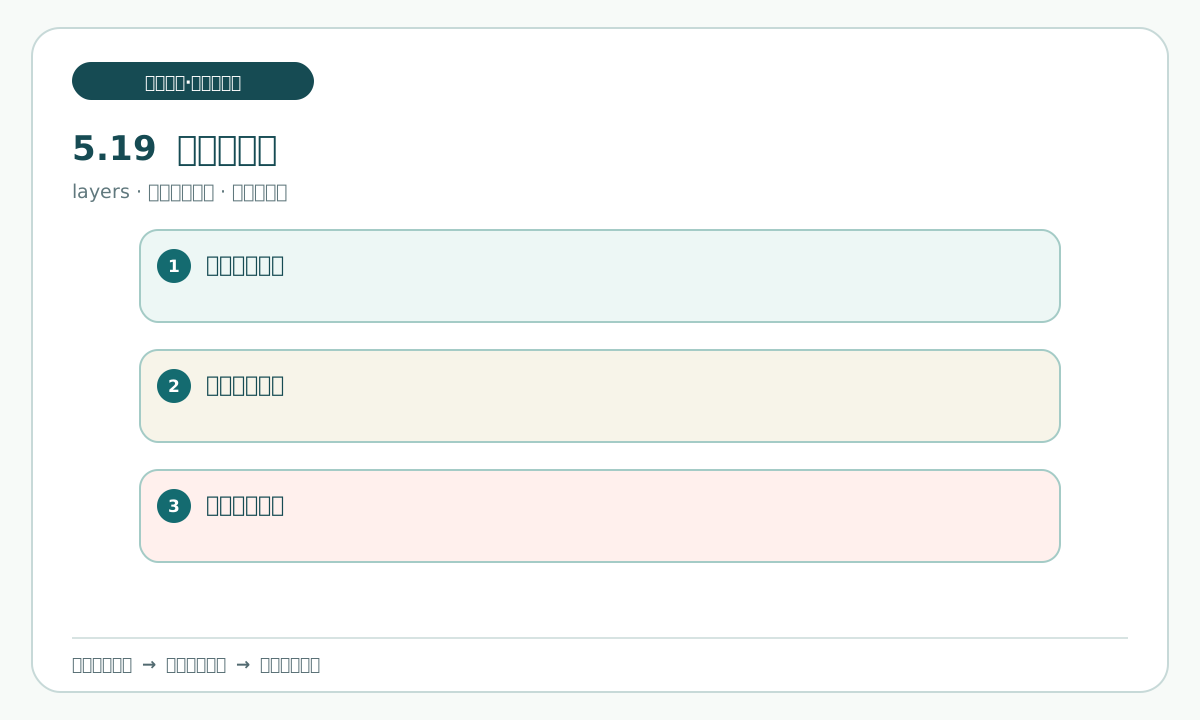
A delivery record is a set of linked exercise tables, not a polished answer detached from its evidence. Its job is to make the next human check small: which question, which source, which claim, which limit, and which status.
What supports it
T1 holds question, purpose, scope, time, quantity, and stop line. T2 holds three source records. T3 holds claims, applicability, conflict, unknown, and next action. T4 holds candidate wording, evidence return, status, and human review. No table is replaced by a new final-answer file.
Follow along
- Open the T1, T2, T3, and T4 personal copies in order.
- Check question, purpose, scope, time, quantity, and stop line in T1.
- Check three source records and their locations in T2.
- Check claim numbers, applicability, conflict, unknown, and next action in T3.
- Check candidate fact, evidence return, status, human review, signature, and date in T4.
- Have a human write pass, return, or remain pending; do not create a new file.
What you should see
The record is reversible from T4 to the read-only inputs. It carries limitations and pending decisions instead of concealing them behind a single conclusion.
Practice and human acceptance
Practice: select one candidate and perform the full reverse trace. Pass when the human can locate its source and explain its state without external research.
Common pitfalls, recovery, and stop points
Do not export or send the record because it looks complete. If a signature, decision, or source limit is absent, leave the state pending and stop before external delivery.
Next
The final section performs a reverse check, states the screenshot boundary, and ends at human decision.
5.20 Avoid pitfalls and run the final check
What this section solves
The final check asks whether the chain still says what it was allowed to say. It verifies input integrity, question scope, source support, atomic-claim wording, applicability, conflict and unknown status, and human review. A complete checklist cannot grant permission to send.
What supports it
The four read-only inputs and the T1–T4 personal copies are the only exercise basis. Use the source locations and written limits. No web copy, screenshot, download, extra reference entrance, or answer file belongs in this offline pass.
Follow along
- Open the four inputs and confirm that none was rewritten, overwritten, or given an answer.
- Open T1 and check question, purpose, scope, time, quantity, and privacy line.
- Open T2 and sample three source locations and support boundaries.
- Open T3 and sample one-matter-per-row claims, conflicts, and unknowns.
- Open T4 and trace evidence, date, applicable scope, status, and human review for every candidate.
- Check that the exercise directory has no web copy, screenshot, download, reference entrance, or extra answer file.
- Have a human write the final decision; the next safe action is “human check; do not send or publish”.
What you should see
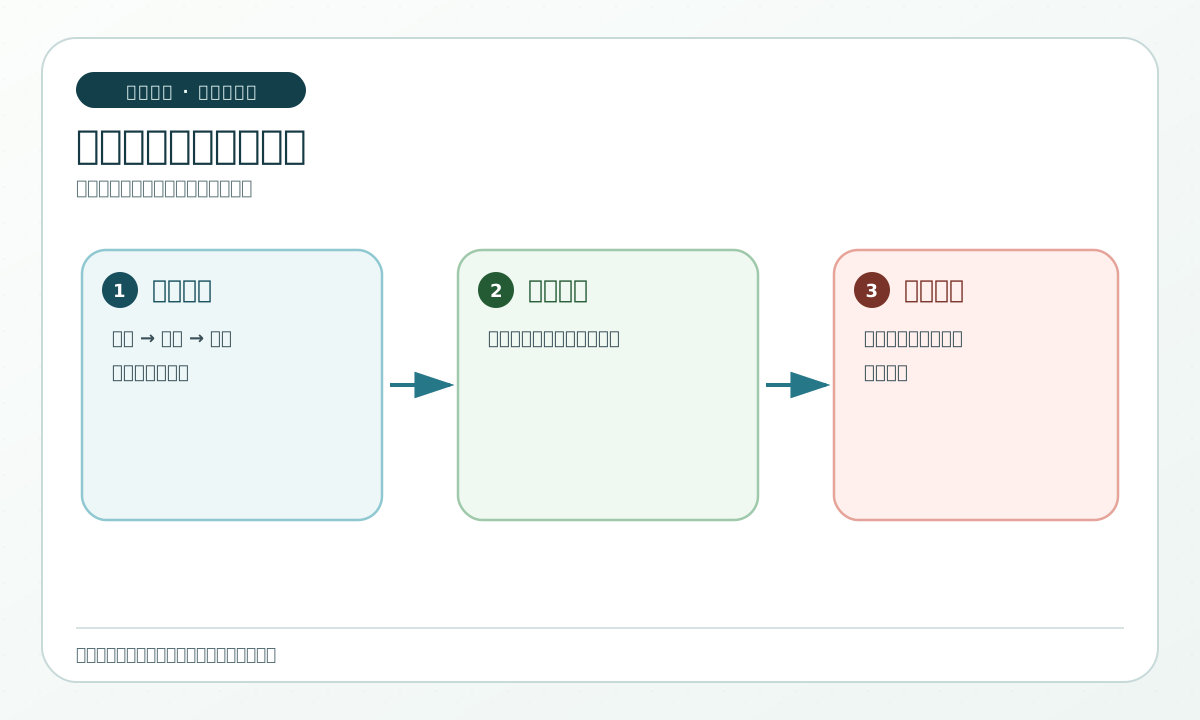
The reverse trace ends before external delivery. Missing support remains a gap, and a pending human decision remains pending.
Practice and human acceptance
Practice: run the reverse trace once without opening any external page. Pass when the human can name the exact stopping reason and the record contains no claim beyond its evidence.
Common pitfalls, recovery, and stop points
Do not call a fictional visual a real product interface. Real product interface screenshots: 0. UI-05-17-01 and UI-05-18-01 are locally rendered, fully fictional practice artifacts; they show only that the exercise record described by the caption is traceable. They do not prove a real webpage, product state, business, automatic saving, sending, or publishing. A teaching diagram and textual evidence are not interchangeable.
Next
Chapter 5 ends at the human decision boundary. A future chapter may use a separate fictional practice snapshot, but it must not inherit this chapter's facts, sources, or unresolved answers.
Official sources for this chapter (only to revisit product conditions stated in the text)
- https://help.openai.com/en/articles/11369540-using-codex-with-your-chatgpt-plan
- https://help.openai.com/en/articles/20001275-chatgpt-work-and-codex
- https://learn.chatgpt.com/docs/artifacts-viewer
- https://learn.chatgpt.com/docs/computer-use
- https://learn.chatgpt.com/docs/models
- https://learn.chatgpt.com/docs/permission-modes