 YunLab.ai
 CHAPTER 06 · 6.1–6.7
Handbook version: v1.0 · Official material check: 2026-08-23 · The current interface and account availability depend on each reader’s own state.
6.1 What this chapter solves: one set of facts serving several contexts
Why
The same facts need different emphasis and length for a lead, a team, and a colleague. A lead needs the scope, cutoff, and things that cannot be promised. A team needs a quick view of progress. A colleague needs only a short message that can continue a confirmation. If all three texts are written independently, dates and statuses easily split.
This chapter is not practice in asking AI to write more copies. It first keeps one factual source and then derives three forms of expression from it. Derivation changes wording only; it does not add facts.
How to do it in Codex Desktop
In your own practice folder, first copy the 02-reader-starter-pack/01-merged-blank-workbook.md and name the copy chapter-06-personal-workbook.md. In a new Codex Desktop task, state the allowed read scope and the only write location clearly:
I am doing an offline practice exercise. Read only “chapter-06-personal-workbook.md”; do not read other material.
First list what this task may and may not do, then tell me which fields I need to fill.
Do not invent facts for me. Do not send, publish, delete, or modify the original input.
The only permitted write location is the blank area in “chapter-06-personal-workbook.md”.
If the current client cannot read or write local files, complete the corresponding table manually; this prompt is task wording, not a UI or capability guarantee.
These prompts use the new-task wording for Codex Desktop. Whether the current client can read or write local files depends on your interface and permissions. Afterward, a person opens the workbook and confirms that it still contains only blank fields and the person's own entries.
What you should see
You should see a clear order: first a fact list, then three intended-use configurations, and only then three drafts. If three long documents appear at the start, the order has been reversed.
Common pitfalls
- Reading “different readers” as permission to add different facts. The warning sign is that the three drafts contain different cutoff times. Return to the source and compare each item; stop writing if needed.
- Treating “AI says complete” as human acceptance. The warning sign is that no person has opened the file for an item-by-item check. Keep the draft status until a person completes the final check.
6.2 Start from an independently frozen fictional fact snapshot
Why
A fact snapshot is the list of facts and status records that may actually be used at one point in time. It fixes the starting point for this exercise so that new material is not quietly added halfway through. This snapshot is independent, entirely fictional, and frozen as practice material. It is not a real notice, does not borrow Chapter 5 facts, and does not require the reader to finish Chapter 5 first.
The fixed snapshot for this exercise is below. The three later outputs may cite only these entries:
| Field | Fixed content |
|---|---|
| Exercise name | New employee shared-material organization drill |
| Purpose | Turn already organized onboarding material into drafts that a lead, a team, and a colleague can review separately |
| Material already organized | Onboarding notes draft; tool list draft; frequently asked questions draft; first-week plan draft |
| Not yet confirmed | Whether each item needs an owner role; whether the first-week plan needs finer steps |
| Organization cutoff | Thursday 17:00 |
| Lead role | Material organization lead |
| Applicable scope | The four shared-material items in this fictional exercise; no other material |
| Promises that cannot be made | Do not promise that the material is finally approved; do not promise that the first-week plan will happen; do not promise that anything has been sent, published, or granted account access |
| Current status | Draft exercise, awaiting human acceptance, do not send |
How to do it in Codex Desktop
Open the personal copy of 02-reader-starter-pack/01-merged-blank-workbook.md and fill the table under “Fact snapshot” item by item. Do not copy the table into three outputs and edit it separately. You may use this request:
Read only the “Fact snapshot” section of “chapter-06-personal-workbook.md”.
List the known facts, pending confirmations, cutoff, lead role, applicable scope, and promises that cannot be made separately.
If a field has no basis, write “pending confirmation”; do not guess.
Do not create output drafts, modify the fact snapshot, send, or publish.
What you should see
The snapshot should show four organized items, two pending confirmations, one cutoff time, one role scope, and the promises that cannot be made. It should also show “draft, awaiting human acceptance” rather than “published”.
Common pitfalls
- Turning “Thursday 17:00” into a specific calendar date. The warning sign is a date that does not exist in the snapshot. Delete the inference and return to “Thursday 17:00”.
- Writing pending confirmations as decisions. The warning sign is wording such as “the lead has confirmed”. Mark it “pending confirmation” and stop derivation if needed.
6.3 What a single factual source is
Why
The source is not a material warehouse. It is a list containing only the facts, source locations, statuses, and limits that can be checked for this exercise. All three outputs take their content from it; no output may change it in return.
Each source row should ideally say one thing. “The cutoff is Thursday 17:00” is one fact. “Whether the first-week plan needs finer steps” is one pending confirmation and must not be merged with the cutoff.
How to do it in Codex Desktop
Create the following field table in the workbook and fill it row by row. Do not paste the full content of the four materials into it:
| Field | How to fill it | Example entry |
|---|---|---|
| Number | Give every record a simple number | Completed |
| Fact or pending confirmation | Write one sentence containing one thing | Known or pending confirmation |
| Source location | Name the material or workbook location | Traceable |
| Information type | Fact, pending confirmation, or limit | Required |
| Applicable scope | State what this entry applies to | Required |
| Version | Record the source version | Required |
| Human decision | Leave the choice of pass, return, or continue pending confirmation to a person | Blank until human check |
Copyable request:
Read only the fact snapshot in “chapter-06-personal-workbook.md”.
Split each entry into a source record that says one thing in one sentence, retaining its source location, information type, applicable scope, and version.
Do not add facts outside the snapshot and do not fill the human-decision field. The only write location is the workbook's source table.
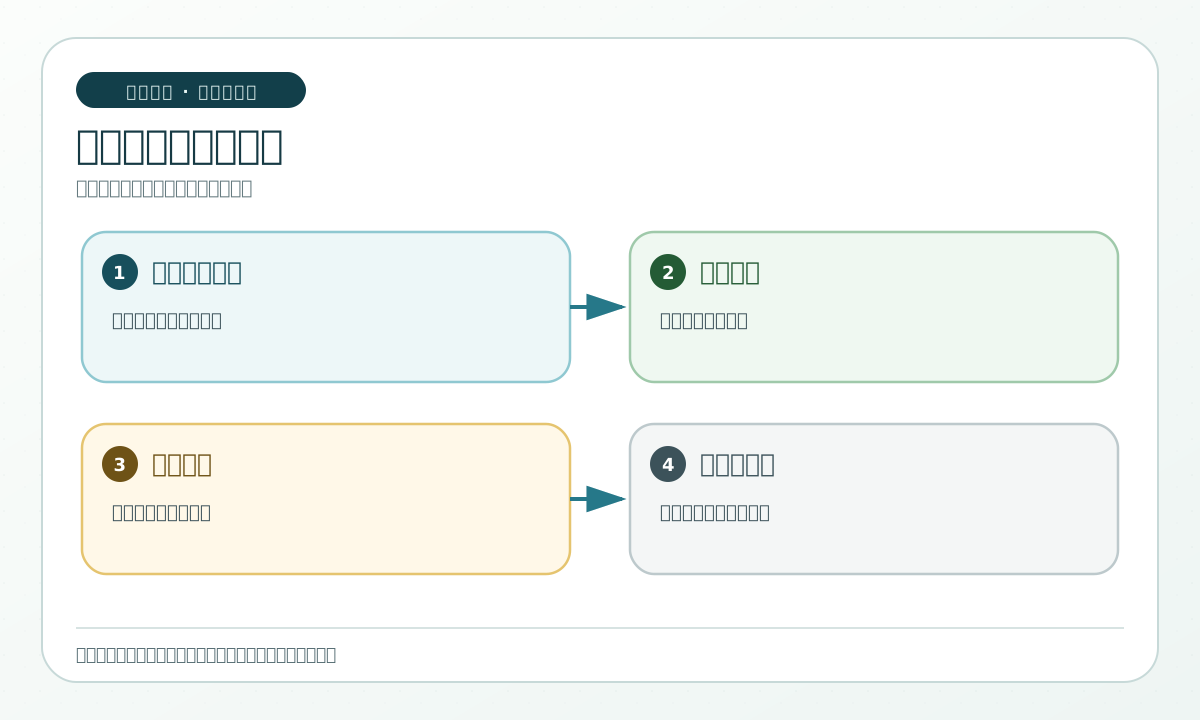
The following diagram only shows how one source is cited by three intended uses. It does not mean that Codex automatically saves or sends anything.
What you should see
Every record has a source location and information type. The three outputs do not exist yet, and the human decision remains blank or pending confirmation. The source contains no full chat transcript and no material outside this exercise.
Common pitfalls
- Pasting every original file as a full paragraph. The warning sign is that the source cannot be checked row by row. Split it into one row per item.
- Turning “pending confirmation” into a fact. The warning sign is that a question mark disappears from an output. Retain the information type and human-decision fields.
6.4 Freeze the source version, date, and applicable scope
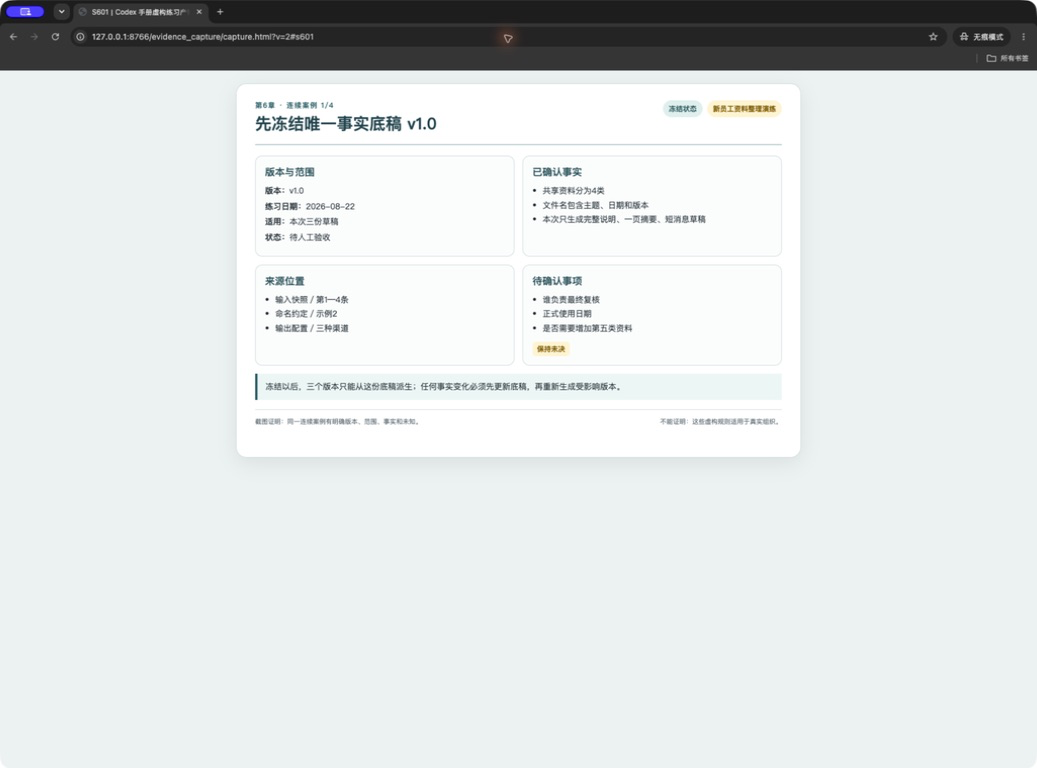
Why
“Frozen” does not mean permanently unchangeable and does not mean accepted as correct. It temporarily stops edits to one base so that outputs can be made from it. When an error is found, return to the source, create a new version, and re-derive the affected drafts.
How to do it in Codex Desktop
At the top of the workbook write “Source version: v1.0”, “Frozen use: this three-draft exercise”, “Applicable scope: four shared-material items”, and “Frozen status: awaiting human acceptance”. Then ask Codex to check only whether the fields are present:
Read only the source table in “chapter-06-personal-workbook.md”.
Check only that version, applicable scope, status, cutoff, four materials, two pending confirmations, and promises that cannot be made are recorded.
Do not change the source and do not generate three outputs. If a field is missing, list the gap and stop.
What you should see
You should be able to answer which version this source is, what it applies to, and what its current status is. If you cannot, do not begin derivation. The “frozen” mark should appear alongside “awaiting human acceptance”.
Common pitfalls
- Writing frozen as “confirmed correct”. The warning sign is wording such as “confirmed without error”. Change it to “temporarily fixed, awaiting human acceptance”.
- Editing three drafts directly after finding a small error. The warning sign is that draft times and versions no longer match. Return to the source and create a new version.
6.5 Make the reader, use, channel, and length requirements explicit
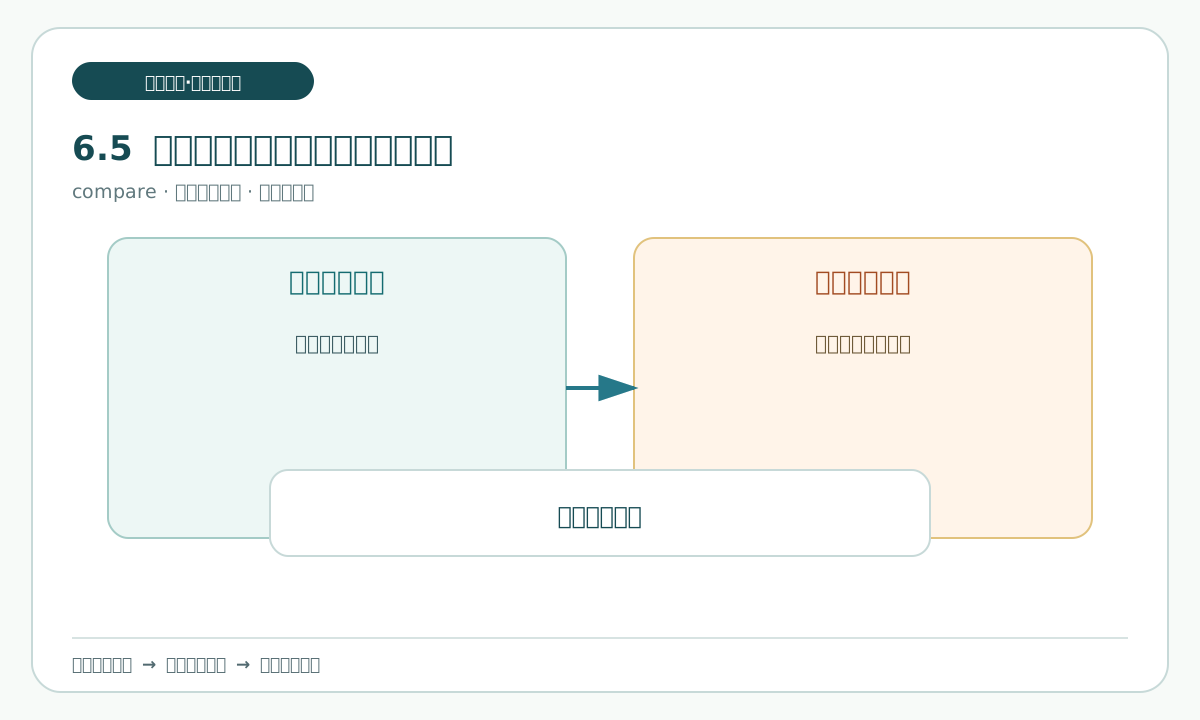
Why
“Who will read it” determines how much explanation is needed. “What is it for” determines the emphasis. “Where is it kept” determines length and format. A channel here means a place to save or hand off a draft; it does not mean that anything has been sent.
How to do it in Codex Desktop
Fill the following configuration into the workbook. The lengths are practice guidance for controlling scope, not a requirement to force an exact word count:
| Version | Reader | Intended use | Storage channel | Suggested length | Disallowed action |
|---|---|---|---|---|---|
| Full explanation | Lead role | Understand the purpose, material, limits, and pending confirmations | Local draft file | About 200–300 words, as practice guidance | Do not decide for the lead |
| One-page summary | Team member | Quickly understand current organization progress | Local draft file | 150–250 words | Do not remove the purpose, cutoff, unknowns, or necessary limits |
| Short message draft | Colleague | Ask the colleague to review or confirm | Local draft file | 80–120 words | Do not send for real and do not remove the purpose or necessary limits |
Copyable request:
Read only the factual source in “chapter-06-personal-workbook.md”.
For each of the three versions, state its reader, intended use, storage channel, length range, and prohibited actions.
Do not write the body, add facts, or turn “save as a draft” into “send”.
What you should see
The readers and uses differ across the three configurations, but their factual source is the same. Each configuration explicitly says that the result is a local draft and names the actions that are not allowed.
Common pitfalls
- Using a length limit as a reason to remove a restriction. The warning sign is that the one-page summary has no cutoff. Keep key fields first, then shorten sentences.
- Writing a real chat group or email as the storage channel. The warning sign is a real address. Write only “local draft file”.
6.6 Define three output configurations
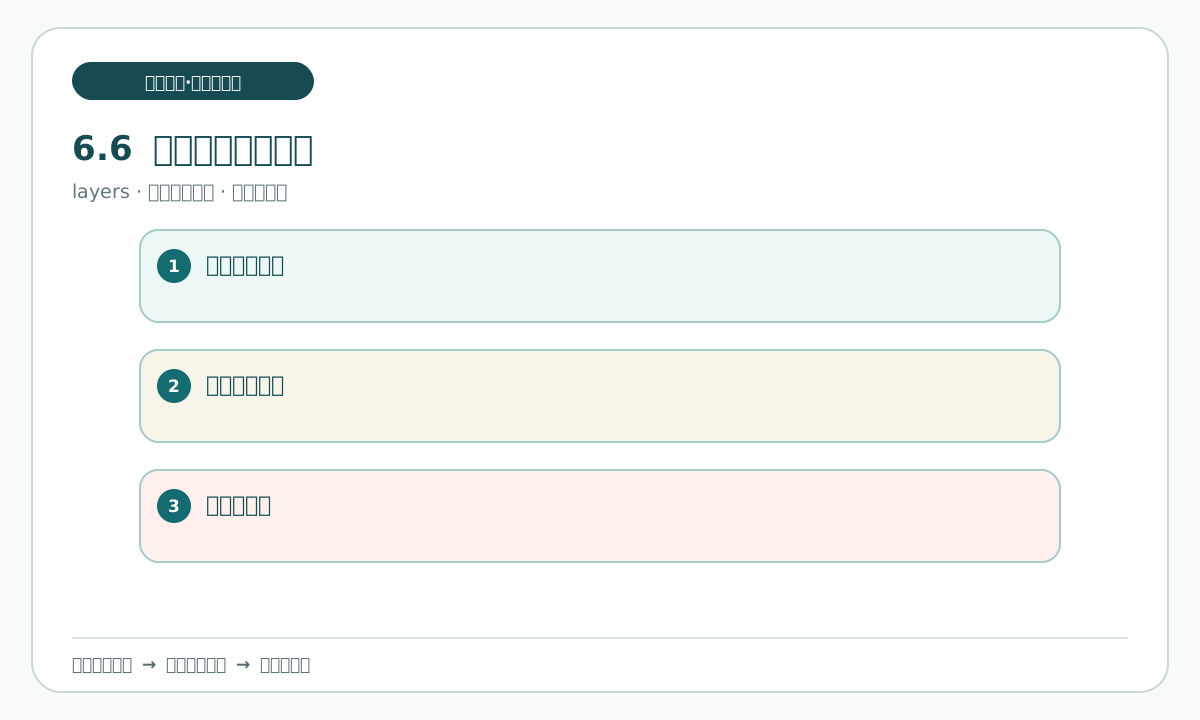
Why
A configuration is the middle layer between the source and a finished draft. It decides which fields must appear before writing begins and reduces the chance that the same matter changes shape between versions.
How to do it in Codex Desktop
Add an “Output configuration table” to the workbook and write “must include” and “may omit” for each version:
| Version | Must include | May omit | End state |
|---|---|---|---|
| Full explanation | Purpose, four materials, two pending confirmations, cutoff, lead role, scope, promises that cannot be made, and status | Explanatory transition sentences | Draft |
| One-page summary | Purpose, four materials, cutoff, two pending confirmations, applicable scope in summary form, promises that cannot be made, and status | Detailed explanation | Draft |
| Short message draft | Purpose, cutoff, matters needing the colleague's confirmation, no scope expansion, promises that cannot be made, and the draft reminder | Item-by-item explanation of the four materials | Draft |
Ask Codex to check only the configuration coverage:
Read only the source table and the output configuration table.
Check whether every required field in each version has a basis in the source, and list any field that cannot be cited directly.
Do not write outputs or fill human decisions. Stop if the configurations conflict.
What you should see
Every version has clear required fields and an end state. A short message may be brief, but it cannot lose the cutoff or the statement that it is still a draft.
Common pitfalls
- Reading “may omit” as “may change”. The warning sign is that a short message turns a pending confirmation into a definite statement. Preserve its information type.
- Using different source versions for the three outputs. The warning sign is that the configuration table has no source-version field. Add the same version number before continuing.
6.7 Build a field mapping from the source to each version
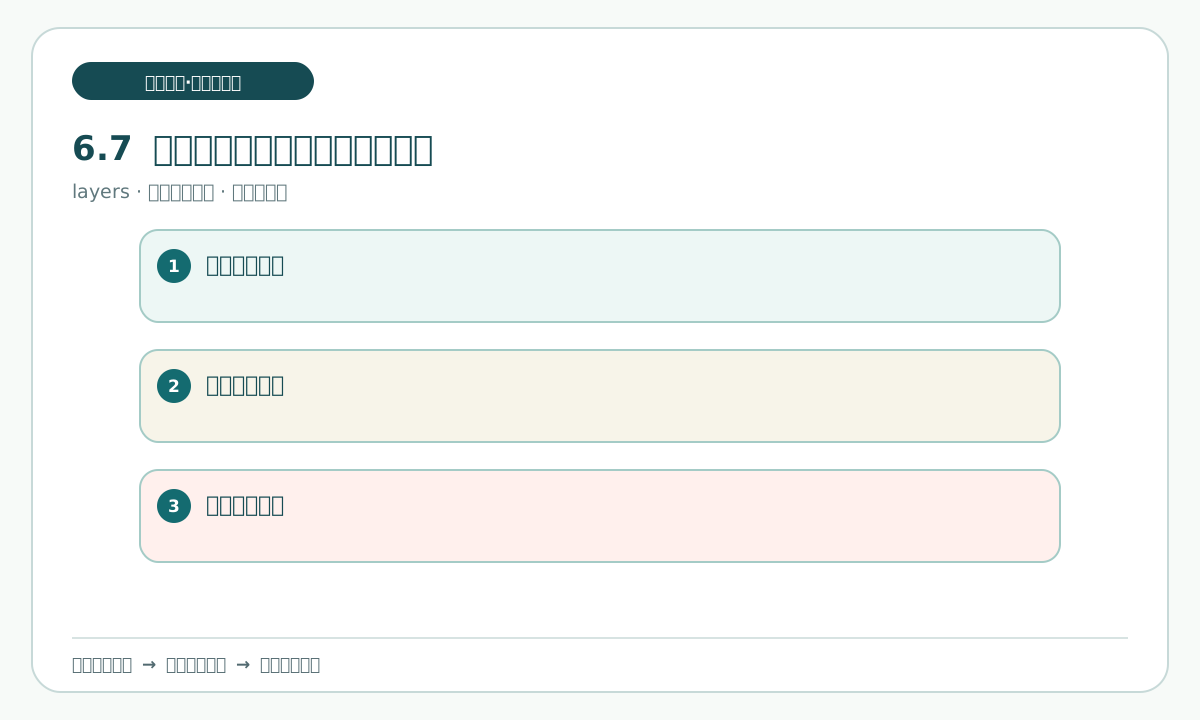
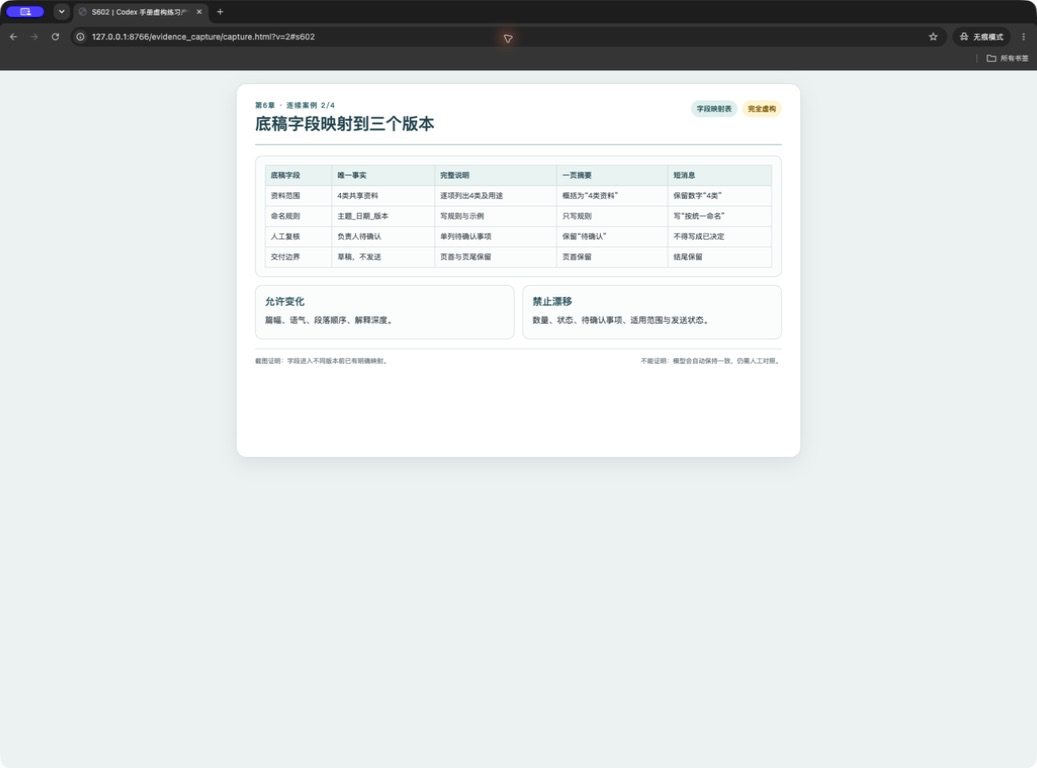
Why
A mapping answers “which row of the source does this sentence come from?” It is the index for cross-version consistency, especially for numbers, times, and pending confirmations.
How to do it in Codex Desktop
Create the field mapping table in the workbook. Write each source field once, then mark whether the three versions use it:
| Source field | Basis location | Full explanation | One-page summary | Short message draft | Note |
|---|---|---|---|---|---|
| Purpose | Source record | Use | Use | Use | Do not change the fact |
| Four organized materials | Source record | Use | Use | May summarize | Names do not change |
| Two pending confirmations | Source record | Use | Use | Ask for confirmation | Never turn them into certainties |
| Cutoff | Source record | Use | Use | Use | Thursday 17:00 |
| Lead role | Source record | Use | May omit | May omit | Appears only in the full explanation |
| Applicable scope | Source record | Use | May summarize | Keep in one sentence | Do not expand the scope |
| Promises that cannot be made | Source record | Use | Use | Use | Keep the draft status |
| Current status | Source record | Use | Use | Use | Draft, awaiting human acceptance, do not send |
Copyable request:
Read only the factual source, output configurations, and field mapping table in “chapter-06-personal-workbook.md”.
Check row by row that every mapped field has a basis location, and point out any cell marked “use” without a source basis.
Write only a checking note in the workbook. Do not change the source or generate three outputs.
What you should see
Every row in the mapping returns to one source location. There are no rows filled from general knowledge and no row that maps a pending confirmation as a definite fact.
Common pitfalls
- Mapping only important numbers and not limits. The warning sign is that the three drafts have no “promises that cannot be made”. Treat limits as fields that must be checked.
- Writing “may summarize” as “may delete”. The warning sign is that the summary drops the scope. Check the intended use first, then decide how to shorten it.